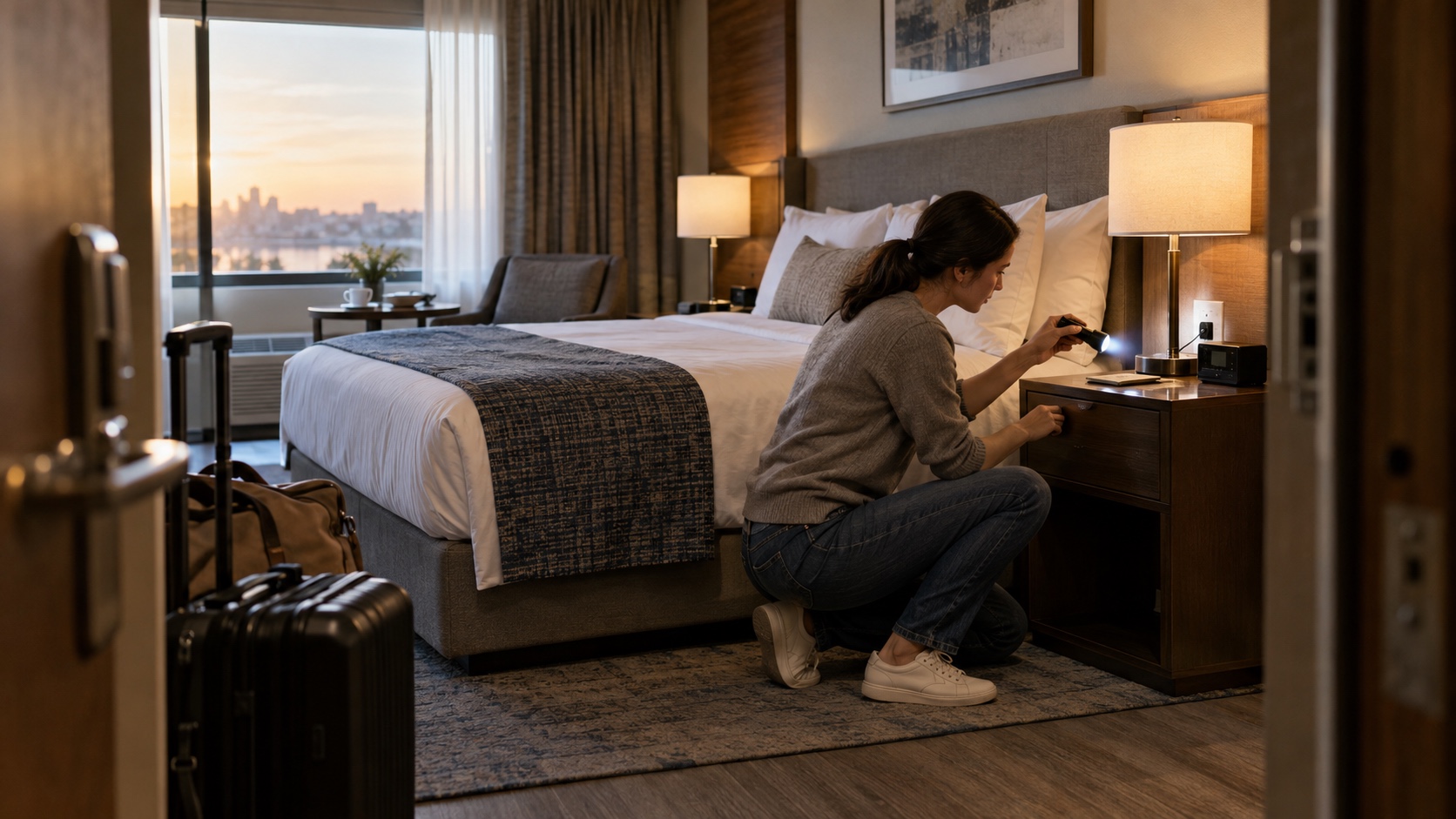
How to Check a Hotel Room for Hidden Cameras: 10 Steps

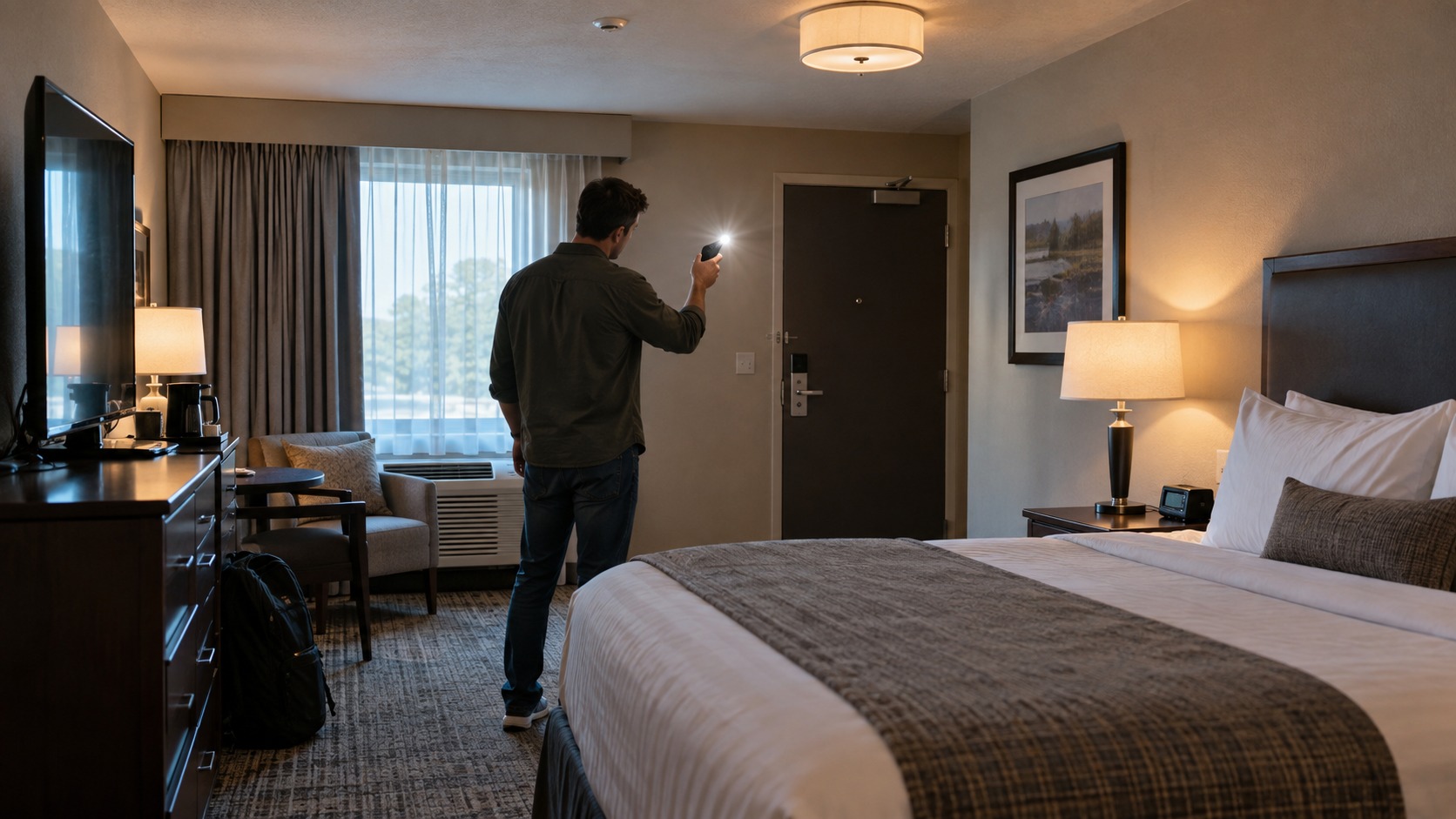
Start with a calm visual sweep before you unpack: look at objects that have power and a clear view of the bed or bathroom, check the door peephole, then use light and your phone only as secondary tools. No single trick or app can certify that a hotel room has no hidden camera. If you find a device you cannot explain, leave the room, avoid handling it, document what you can from a safe position, and contact hotel management, the booking platform, and local law enforcement.
This is a ten-step inspection sequence, ordered from the quickest and least disruptive checks to the more technical ones. It is not a list of ten equally reliable detectors. A visible anomaly may have an innocent explanation, while a camera that records locally or uses another network may appear in no phone scan at all.
1. Survey the room before you unpack
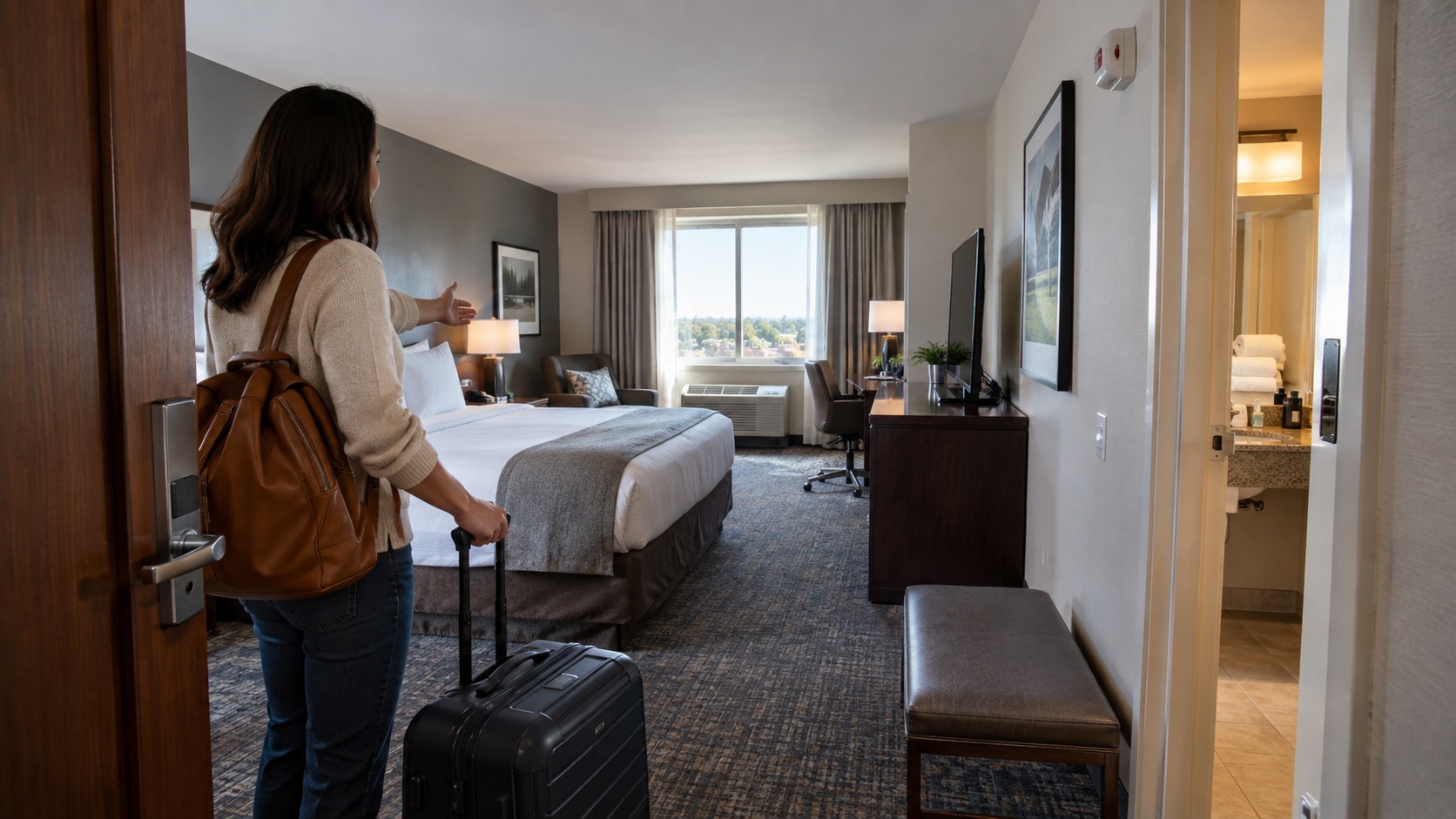
Stand at the entrance and identify the most private zones: the bed, bathroom, changing area, and desk. Then follow the likely sightlines back to objects that face those areas. A camera needs an opening for its lens and, for useful video, a reasonably clear view. Give the closest attention to unfamiliar powered objects, newly placed accessories, and small openings that do not match the surrounding design.
Look without dismantling the room. Do not open a smoke detector, pull wiring, climb on furniture, or remove installed safety equipment. The goal of this first pass is to notice inconsistencies—an extra device, an odd angle, a cable with no obvious purpose—not to prove that every object is safe.
2. Cover the door peephole from inside
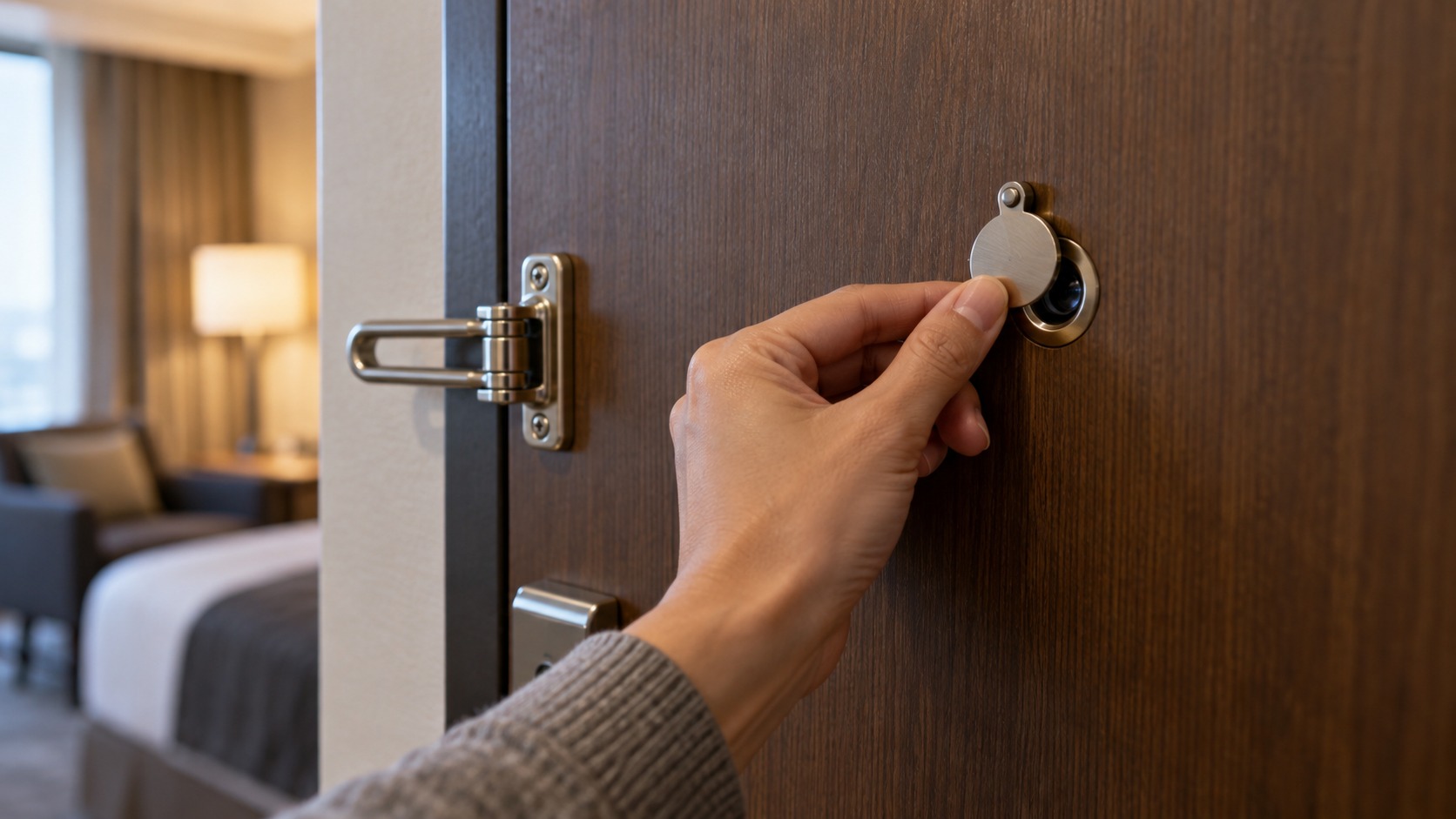
A peephole is designed to let the guest look into the hallway, but it is still an optical opening in the door. Close the built-in privacy shutter if one is present. If it is missing, cover the inside with an opaque removable item that will not damage the finish, and uncover it only when you need to identify someone outside.
This is a privacy precaution, not a hidden-camera test. A scratched or unusual peephole does not establish that anyone is recording. If the viewer appears loose, reversed, or altered, ask management to inspect it or request another room rather than trying to take the door hardware apart.
3. Inspect alarm clocks, chargers, and other powered objects
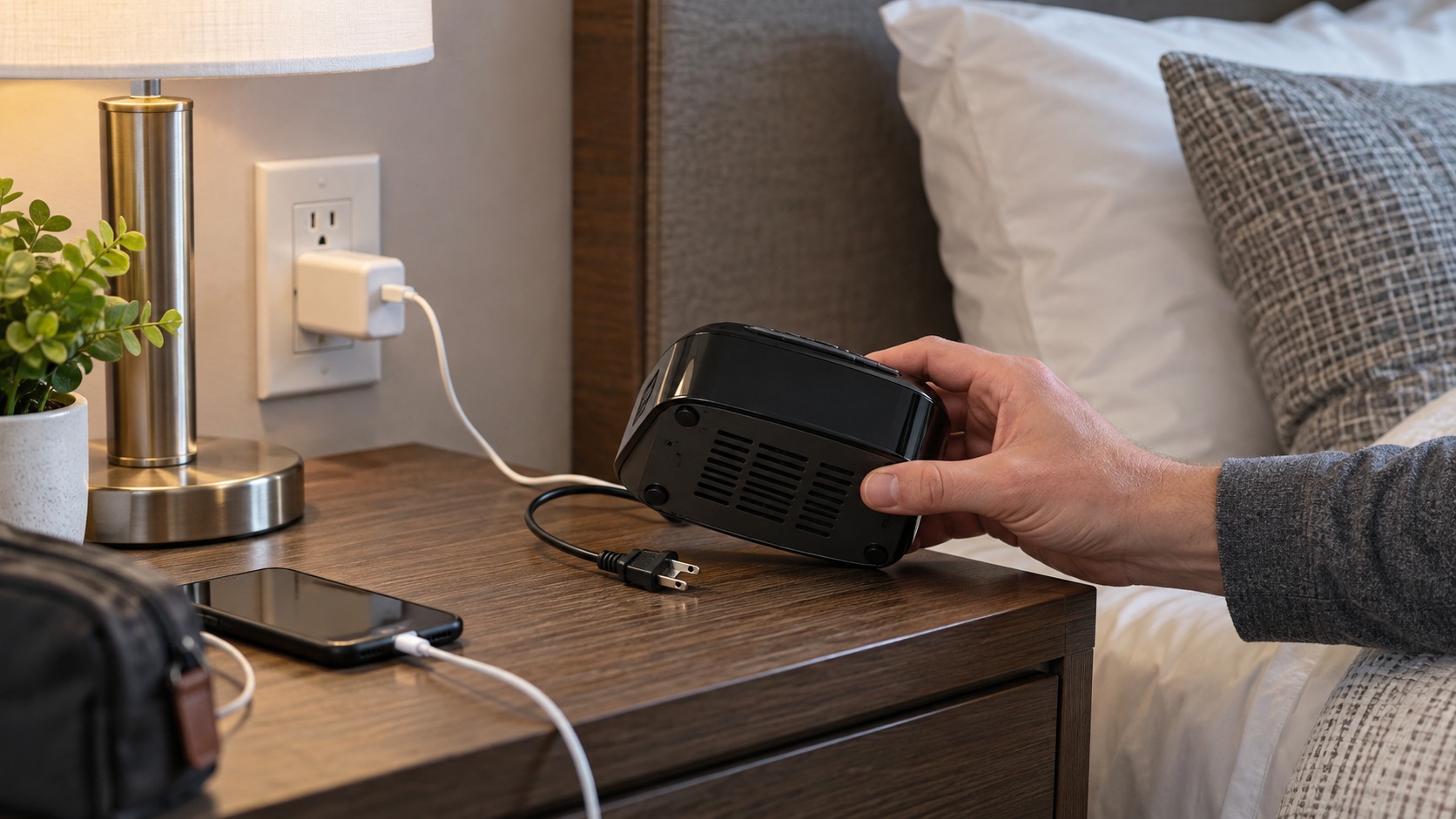
Alarm clocks, USB chargers, small speakers, power strips, and smart-home devices deserve a closer look when they point toward the bed or bathroom. Compare openings on the front and back: a normal vent is usually repeated or aligned with the device's function, while a single unexplained pinhole or dark glass circle merits a question.
You may unplug a nonessential guest-use device if doing so is safe and allowed, but do not assume that cutting power proves anything; some devices have batteries. Never unplug a smoke alarm, carbon-monoxide alarm, sprinkler component, medical device, router, or other building equipment. If the room's clock or speaker makes you uncomfortable, place it face-down or ask staff to remove it rather than opening the casing.
4. Check wall decorations without damaging them
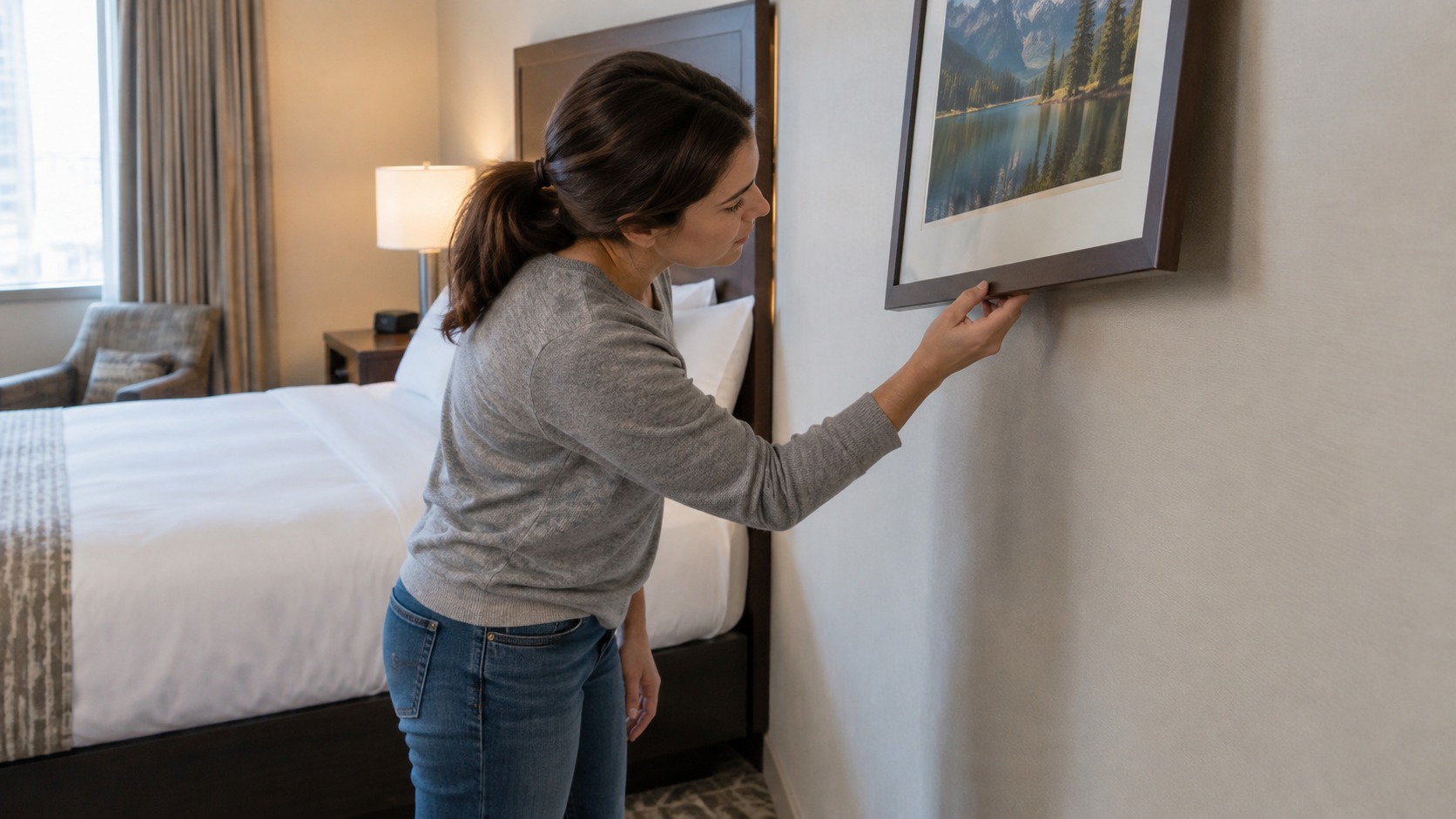
Look around mirrors, picture frames, television bezels, shelves, and decorative objects that face the room. Pay attention to a new hole, an unexplained gap, a cable that disappears behind an item, or an object mounted at a strangely deliberate angle. Use your phone's zoom from the floor for high or awkward areas.
Do not rely on the old fingernail-on-a-mirror trick. The apparent gap depends on how a mirror is made and does not tell you whether a camera is behind it. Do not remove a mounted mirror or heavy frame. If something behind glass or décor genuinely concerns you, photograph the item in place and ask for a different room.
5. Look for unfamiliar lights in a darkened room
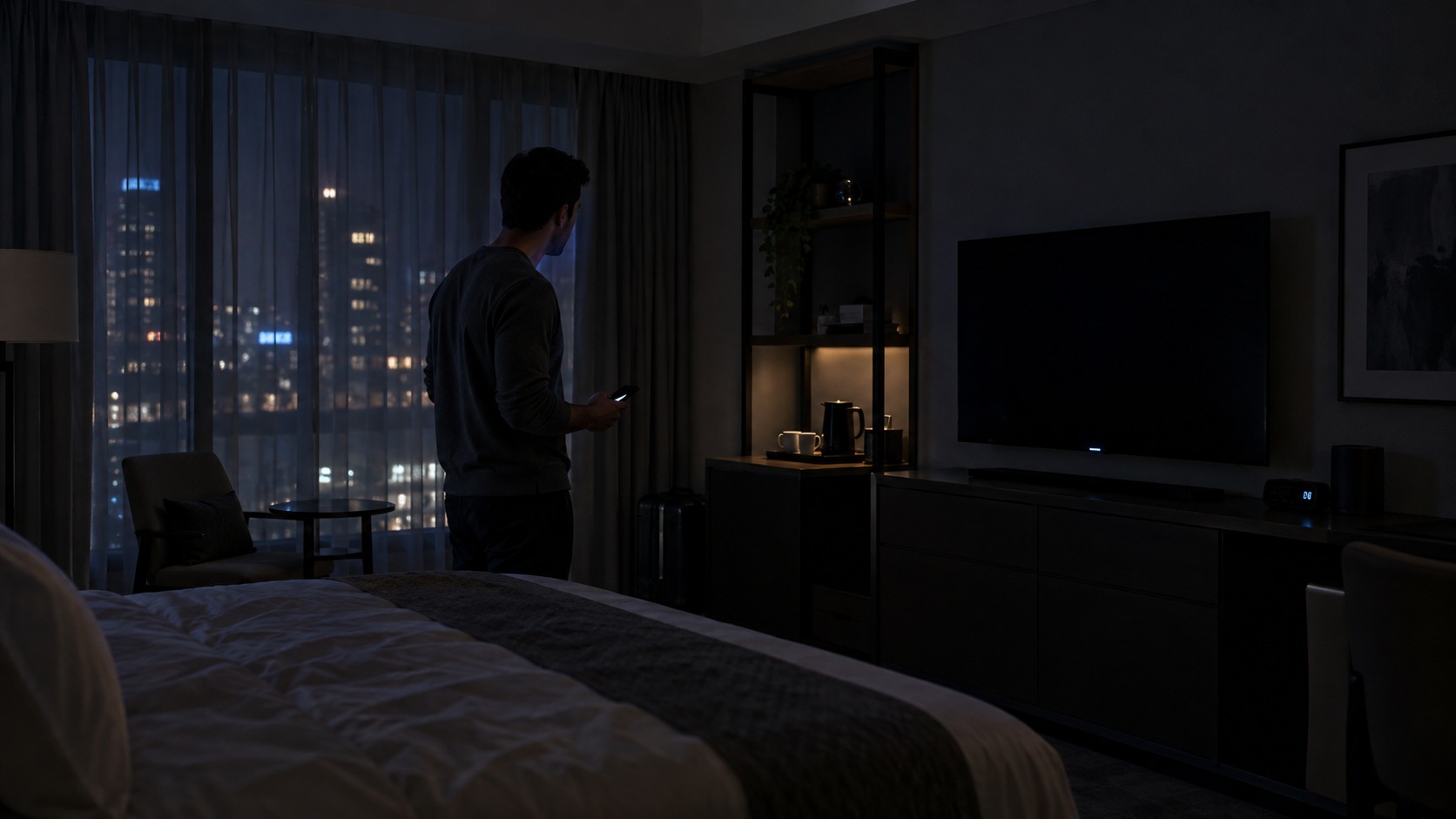
After learning where the room's normal indicators are, turn off the main lights and look again. A new point of light can help you locate an object for inspection. It is only a clue: televisions, chargers, thermostats, smoke alarms, motion sensors, and network equipment can all have legitimate status LEDs.
The reverse is just as important. The absence of a blinking light does not rule out a camera. Recording indicators can be disabled, covered, or outside the visible spectrum. Treat the dark-room check as a way to find objects you missed, not as a pass/fail test.
6. Learn the forms cameras can take—without buying the hype
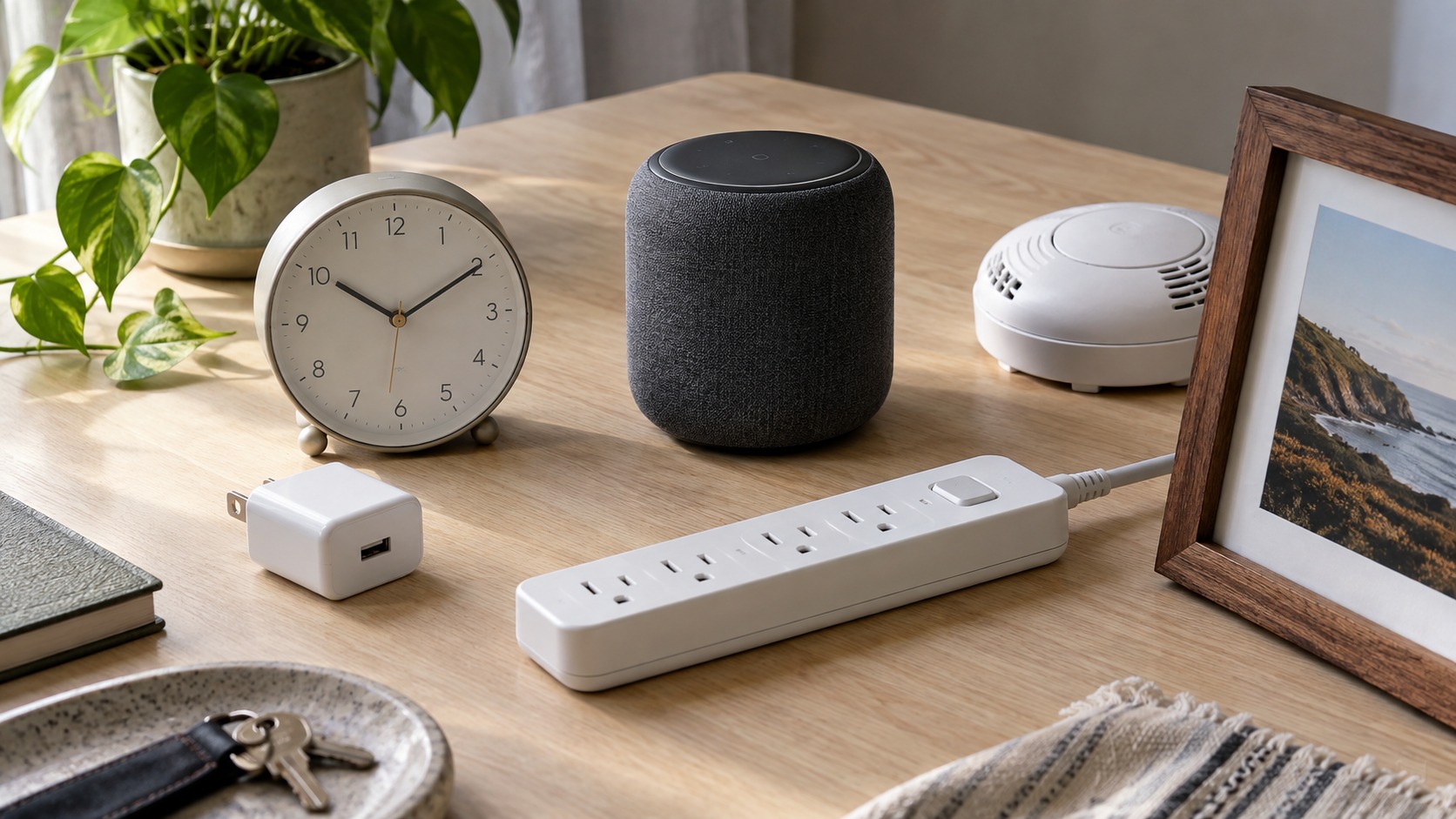
Consumer cameras can be small enough to fit inside familiar-looking objects, but memorizing a shopping gallery is not a durable strategy. Models change, and an ordinary clock or charger is not suspicious merely because a camera could fit inside one. Use three practical questions instead: Does the object have power? Is there an unexplained opening or dark reflective spot? Does that opening have a useful view of a private area?
This approach also reduces false alarms. A motion sensor, remote-control receiver, screw head, glossy button, or status window can resemble a lens from the wrong angle. Change your viewing angle and compare the feature with the rest of the object before deciding it needs to be reported.
7. Check the ceiling area from the floor
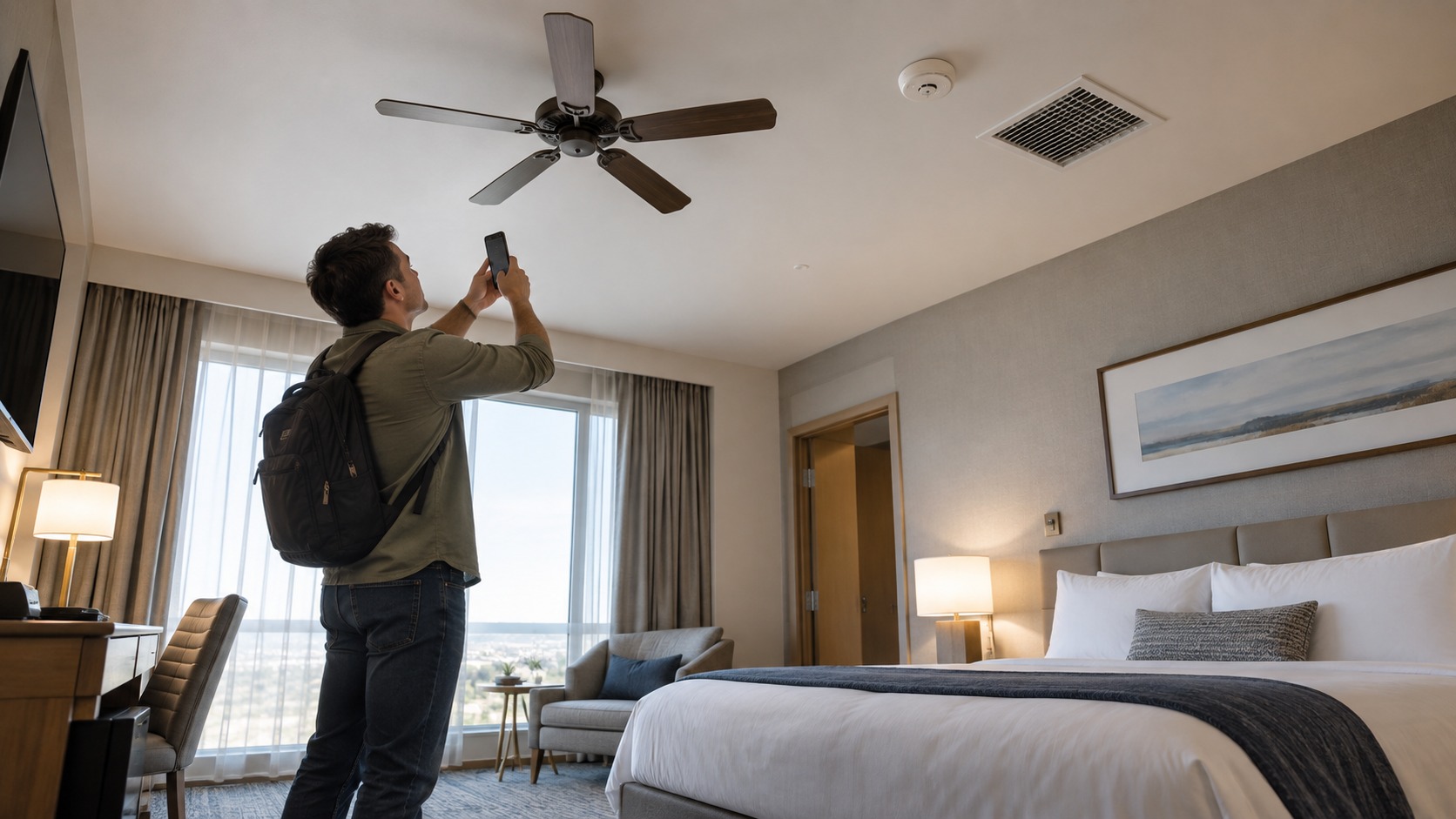
Scan ceiling fans, vents, recessed lights, detectors, and high wall corners because their position can provide a broad view. Look for a fixture that does not match the others, a new attachment, an unexplained hole, or wiring that appears out of place. Phone zoom or binoculars are safer than standing on a chair.
Do not touch fan blades, remove vent covers, or test a smoke detector by taking it apart. These fixtures can contain electricity, moving parts, dust, or required safety systems. A hotel engineer can identify legitimate building equipment and inspect it safely.
8. Use a flashlight to look for lens-like reflections
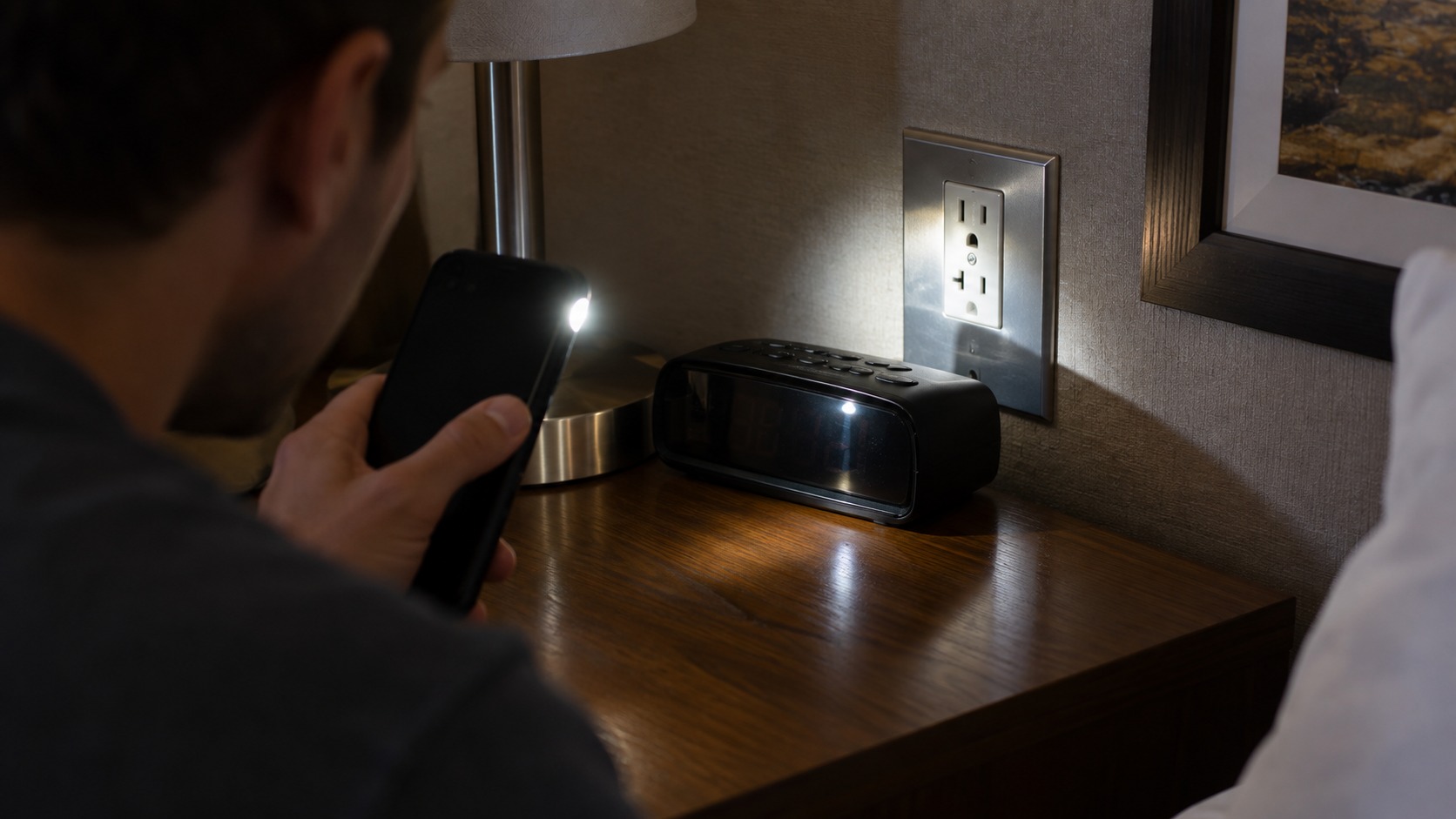
Dim the room, hold a flashlight close to your eyes or phone camera, and sweep it slowly across suspicious openings. A camera lens may return a sharp glint when the light, lens, and viewer line up. Move closer and change angles if you see one.
This method produces false positives from glass, polished screws, LEDs, and glossy plastic, and it can miss a lens that is recessed, covered, or pointed elsewhere. A reflection tells you where to inspect; it does not identify the object. Never use a laser, which can injure eyes and damage sensors.
9. Treat phone apps and network scans as limited clues
A phone camera may display infrared from some night-vision emitters, but camera filters vary. Test your phone first with a known infrared remote: if the emitter appears on screen while a button is pressed, that camera can see at least some infrared. Even then, a camera may use no infrared at all.
A network scanner can list devices only on a network you are allowed to access. It can miss a camera that records to a memory card, uses cellular service, is wired, or sits on a separate network. Research published by USENIX found that the commercial detector and phone apps tested did not reliably distinguish covert devices; a 2026 camera-traffic study likewise describes ordinary app scans as limited to accessible networks. Delete the old list of branded “detector” apps from your plan: an app name is not evidence of performance.
10. Protect your screen and know what to do next
Until you are comfortable with the room, avoid entering passwords or exposing private work where an unfamiliar object has a direct view of your laptop. Turn the screen away, close the lid, move to a different space, or use a privacy filter. This is sensible screen privacy in any destination; it is not a reason to stereotype travelers or countries.
If you find an object that appears to contain a camera, prioritize your safety. Leave the room, do not confront a suspected operator, and do not dismantle or take the device. From a safe position, note the time and room number and photograph the object and its location if you can do so without touching it. Contact hotel management or the booking platform and local law enforcement. Laws vary by jurisdiction, so avoid making a universal legal conclusion yourself.
For vacation rentals, platform rules offer a clearer baseline. Airbnb's current policy prohibits security cameras and recording devices that monitor any part of a home's interior, even when turned off; exterior cameras must be disclosed and cannot monitor high-privacy outdoor areas. Hotel policies and local law are separate, so ask the property and authorities to investigate rather than treating a web checklist as a legal ruling.
A practical stopping rule
A ten-minute sweep should reduce obvious risks without turning your stay into a forensic search. Stop when the remaining checks would require climbing, dismantling fixtures, accessing a network without permission, or confronting someone. Ask for a room change or leave if the property cannot explain a device that faces a private area.
Keep the standard of proof straight: a scan result, glint, pinhole, or unfamiliar device can justify a closer look, but it cannot by itself identify who installed an object, whether it records, or whether a law was broken. Let property staff and investigators answer those questions. Your job is to notice, get to a safe place, preserve what you observed, and avoid creating a second hazard while checking the first.
Before booking your next rental, use our Airbnb listing red flags to check disclosure and host details. For safer account and device habits while traveling, the guide to digital skills that matter covers password managers, multifactor authentication, and suspicious login prompts.