10 Digital Skills That Matter in 2026


The digital skills that matter most in 2026 are precise search, source verification, account security, AI evaluation, data literacy, clear communication, collaboration, accessible content creation, privacy management, and learning enough code or automation to understand a process. You do not need to master every platform. You need habits that transfer when the platform changes.
This editorial list is ranked by daily usefulness, transferability across tools, risk reduction, and how easily a beginner can practice the skill. The order is not a labor-market forecast or a promise that one course will transform a career. It favors durable judgment over product-specific tricks, and the guidance and primary sources were checked September 21, 2026.
What counts as a digital skill?

A digital skill is an ability to complete a task with digital information or tools: locate a document, judge a claim, secure an account, explain a chart, coordinate a revision, or create something another person can use. That definition includes technical actions, but it also includes decisions. Knowing where a privacy control sits is useful; knowing what information should never have been shared is the more transferable skill.
A simple test is whether the habit survives a new interface. File naming, source checking, strong account recovery, concise writing, and reading axes still matter after an app redesign. Memorizing the location of one button does not. Use the ten sections below as a practice sequence, not a collection of fashionable “digital powers.”
1. Search with precise questions
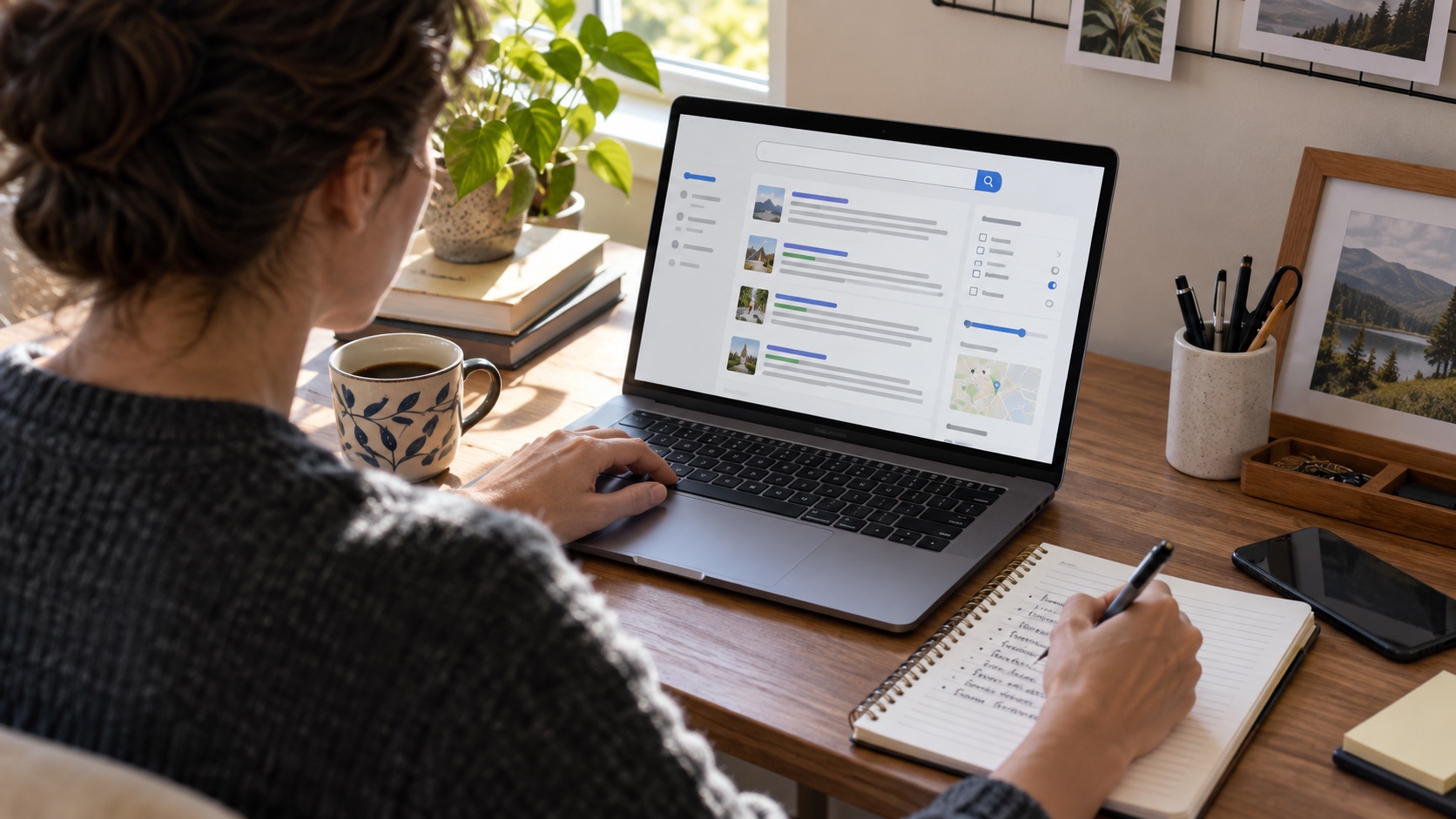
Why it ranks first: search is the front door to almost every other skill. Begin with plain language, then add the terms a credible source is likely to use. Google documents quotation marks for an exact phrase, a minus sign to exclude a word, and site: to limit results to a domain in its official search-refinement guide. Those operators narrow a query; they do not make the remaining pages true.
Practice with a real question: replace “best laptop” with the work, budget, country, accessibility need, and current year that shape the choice. Search an official domain for a rule, then search outside it for independent context. Save the useful page and its date. The goal is a defensible answer, not a clever-looking query.
2. Verify claims with lateral reading

Best for: news, health claims, product advice, screenshots, and viral posts. The Digital Inquiry Group's Civic Online Reasoning curriculum teaches lateral reading: open other tabs, investigate who is behind the information, and look for stronger coverage instead of judging credibility from a polished page alone. A professional design, an “About” page, or many shares can all coexist with weak evidence.
Trace a claim to the earliest available source. Check whether a number describes the right population and period. For an image, look for an earlier use and inspect whether the caption matches the scene. If independent sources merely repeat the same press release, that is one source echoed several times—not confirmation. State what remains uncertain rather than forcing a verdict.
3. Protect accounts and recover them

Best risk reduction: use a password manager to create a unique password for each account, turn on multifactor authentication (MFA), keep software updated, and learn to recognize phishing. These are the four actions emphasized by the U.S. Cybersecurity and Infrastructure Security Agency in Secure Our World. Prefer a stronger MFA option such as an authenticator or security key when an important service offers it, while recognizing that any available MFA is generally better than a password alone.
Then test recovery before an emergency. Store backup codes safely, confirm the recovery email and phone, and remove old devices. Treat unexpected links, payment requests, and login prompts as untrusted; open the service through a saved bookmark or known app instead. For a physical extension of digital privacy on the road, our guide to checking for hidden cameras in a hotel or rental explains what can and cannot be verified.
4. Use AI as a draft, not an authority

Why it moved into the top five: AI now appears inside search, office, creative, and support tools, but fluent output can still be wrong. NIST's AI Risk Management Framework resources and its Generative AI Profile identify risks including “confabulation,” the production of confidently stated false or erroneous content. A polished answer therefore needs the same source checks as any other unverified draft.
Give the system a bounded task, do not paste sensitive or confidential material without authorization, and separate brainstorming from factual work. Ask for assumptions, then verify important names, dates, quotations, calculations, and links against primary sources. Keep the human decision visible. The valuable skill is not writing the longest prompt; it is knowing what evidence would change the answer.
5. Read charts, percentages, and uncertainty

Best for: prices, polls, health stories, budgets, and performance dashboards. Start with the title, source, date, unit, and axis. Ask whether a percentage is an absolute change or a relative one: a rate moving from 2% to 3% rises by one percentage point but by 50% relative to its starting value. Both descriptions can be mathematically correct while creating very different impressions.
Check the denominator, sample, missing values, and whether the chart begins at zero. An average can hide the spread, and a correlation does not by itself identify a cause. Recreate one published figure in a spreadsheet, label every column, and write a one-sentence interpretation that includes the population and period. If you cannot explain the unit, do not share the chart as proof.
6. Communicate for the channel

Best for: reducing avoidable meetings and misunderstandings. Match the channel to the task. Use a subject line that names the decision, put the request near the top, provide only the context needed to act, and specify who owns the next step. In chat, move a complex disagreement into a document or call before short replies strip away tone and evidence.
Accessibility is part of clarity. Use headings, descriptive link text, captions for meaningful speech, and plain language. Summarize a recorded update in text so the recipient can scan it or use assistive technology. Before sending, ask whether a new reader can identify the action without reconstructing a long thread.
7. Collaborate with one source of truth

Best for: group work across time zones or schedules. Agree on where the current file lives, how drafts are named, who can edit, and who approves. Use comments for discussion and the document for the accepted decision. A folder full of “final,” “final-2,” and emailed attachments is not collaboration; it is a version-control problem.
Practice with a two-person document. Give each task one owner and due date, make one change through suggestion or review mode, resolve the comment, and record the decision. Restrict sharing to the people who need access and remove it when the project ends. The platform matters less than a visible handoff.
8. Create accessible, rights-aware content
Best creative foundation: plan the audience and purpose before opening an editor. For images, the W3C Web Accessibility Initiative says informative images need text alternatives that convey their information, while purely decorative images can use empty alt text; its images tutorial also advises against using images of text when real text works. Captions and transcripts make audio and video more usable, searchable, and reviewable.
Creation also includes permission. The U.S. Copyright Office explains that copyright protects original expression fixed in a tangible form, not facts or ideas themselves. Do not assume a file is free to reuse because search found it. Keep the license, creator, source URL, and any required attribution with the asset, and get consent before publishing identifiable people.
9. Manage privacy and social-media risk
Best for: reducing how much strangers, advertisers, and scammers can learn about you. Review who can see posts, contacts, location, and old public material; check app permissions on the device as well as settings inside the service. The FTC's current social-media scam guidance recommends limiting who can see posts and contacts, checking companies before buying, and never letting a social-media contact direct an investment decision.
Privacy settings reduce exposure; they cannot guarantee that a recipient will not save or forward a post. Verify unusual requests through a second channel, especially when a “friend” asks for money or a code. Reduce offline exposure too: our guide to cutting junk mail covers another trail of personal data that can be managed deliberately.
10. Learn by building one small thing
Best long-term advantage: learn how a system works well enough to inspect, change, and troubleshoot it. Basic coding is useful, but the first goal is not a job title. It is understanding inputs, outputs, files, conditions, repetition, and errors. MDN's beginner website module recommends starting small and walks through planning, HTML structure, CSS styling, and JavaScript interaction.
Choose a tiny project with a visible finish: clean a spreadsheet, build a personal page, rename a folder consistently, or automate one repetitive step with a reviewed script. Follow an official tutorial, change one element, break it safely, fix it, and explain what happened. Keep private data out of experiments and review any automation before it sends, deletes, or publishes something.
A four-week practice plan
Week one: improve three real searches and verify one viral claim with lateral reading. Week two: audit the recovery and MFA settings on your most important accounts. Week three: inspect one chart and one AI-assisted draft, documenting every checked claim. Week four: create a small accessible artifact with a collaborator and a clear version history. The output can be modest; the evidence trail is the point.
Do not measure progress by the number of apps installed or courses saved. Measure whether you can complete the task, explain your decisions, recover from an error, and show what you verified. Those habits remain useful when the tools change.
Frequently asked questions
What is the most useful digital skill to learn first?
Start with search and source verification. They improve almost every later task, from comparing products to checking an AI-generated answer.
Do digital skills mean learning to code?
No. Coding is one useful path, but security, search, evaluation, data literacy, communication, collaboration, privacy, and accessible creation are broadly useful without programming.
How can I practice digital skills for free?
Choose one real task, use an official tutorial, produce a small result, and write down what you verified. A focused exercise is more useful than collecting courses without applying them.
Can AI replace these skills?
No. AI can speed up drafting and exploration, but people still need to define the task, protect sensitive information, verify claims, interpret evidence, and take responsibility for the result.