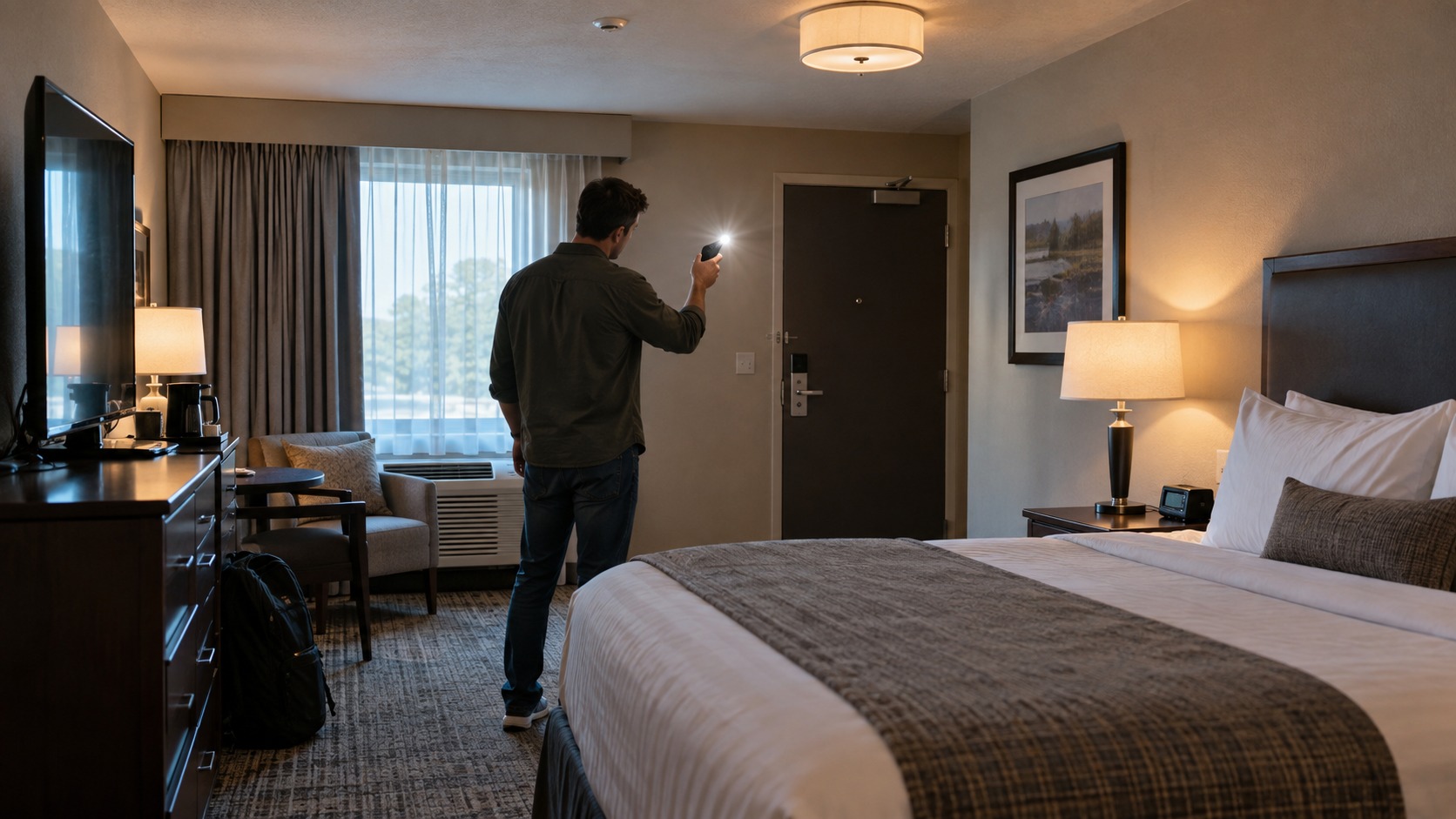
9 Ways to Check for Hidden Cameras in a Hotel Room or Airbnb

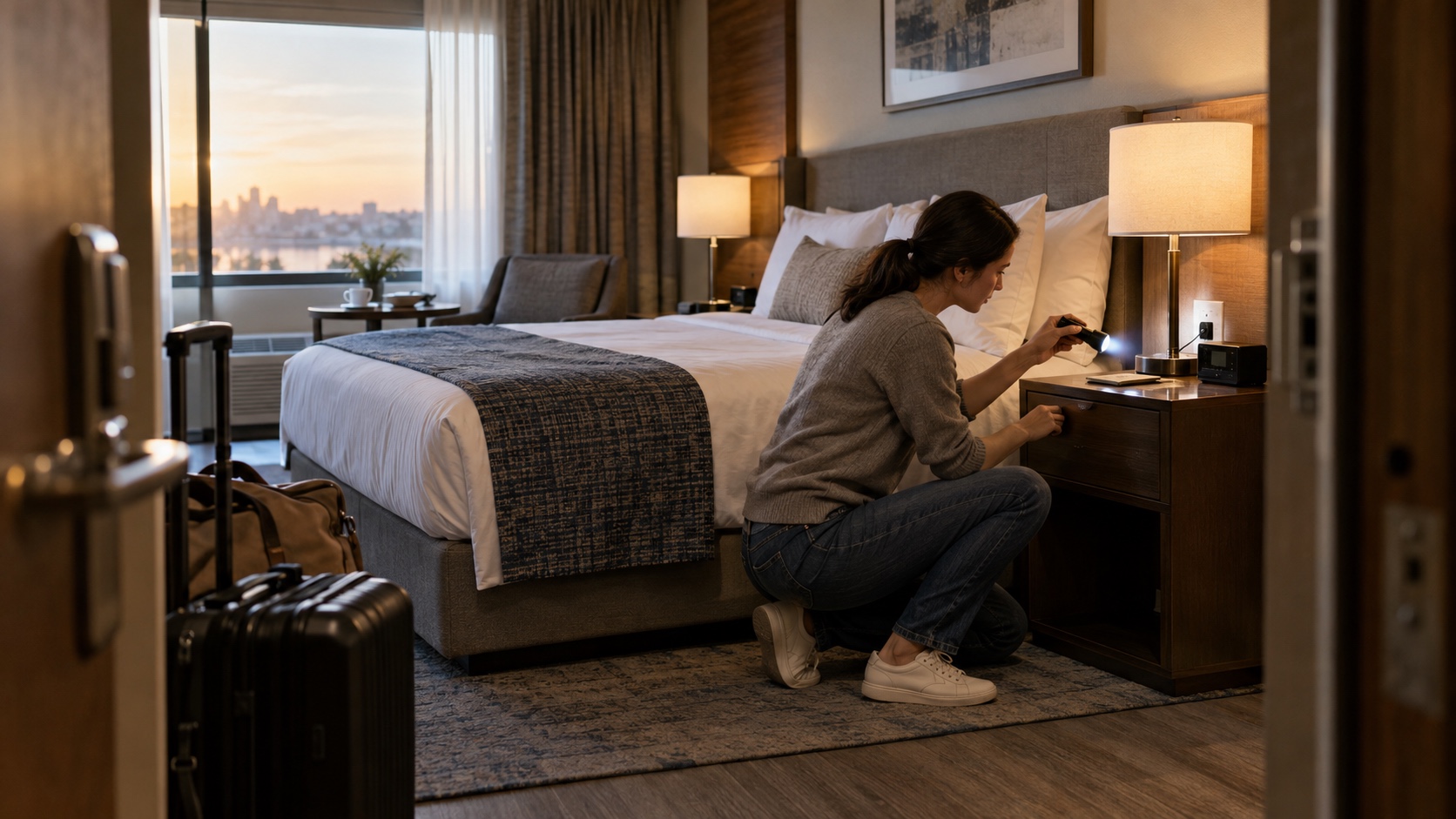
The best way to check a hotel room or vacation rental for hidden cameras is to work from the reliable to the limited: inspect objects with a view of private areas, compare the room with the listing, look for lens reflections, and then use phone, network, or radio-frequency checks only as supporting evidence. A clean scan is reassuring, but it is not a guarantee.
We ranked these nine checks by usefulness, accessibility, and the quality of the signal they provide. The first steps catch visible inconsistencies without special equipment. Later steps can uncover a narrow class of wireless or infrared cameras, but they also create false positives and false negatives. If you are still choosing a property, our guide to Airbnb listing red flags covers the checks worth making before you book.
1. Start With a Sightline-Based Physical Inspection
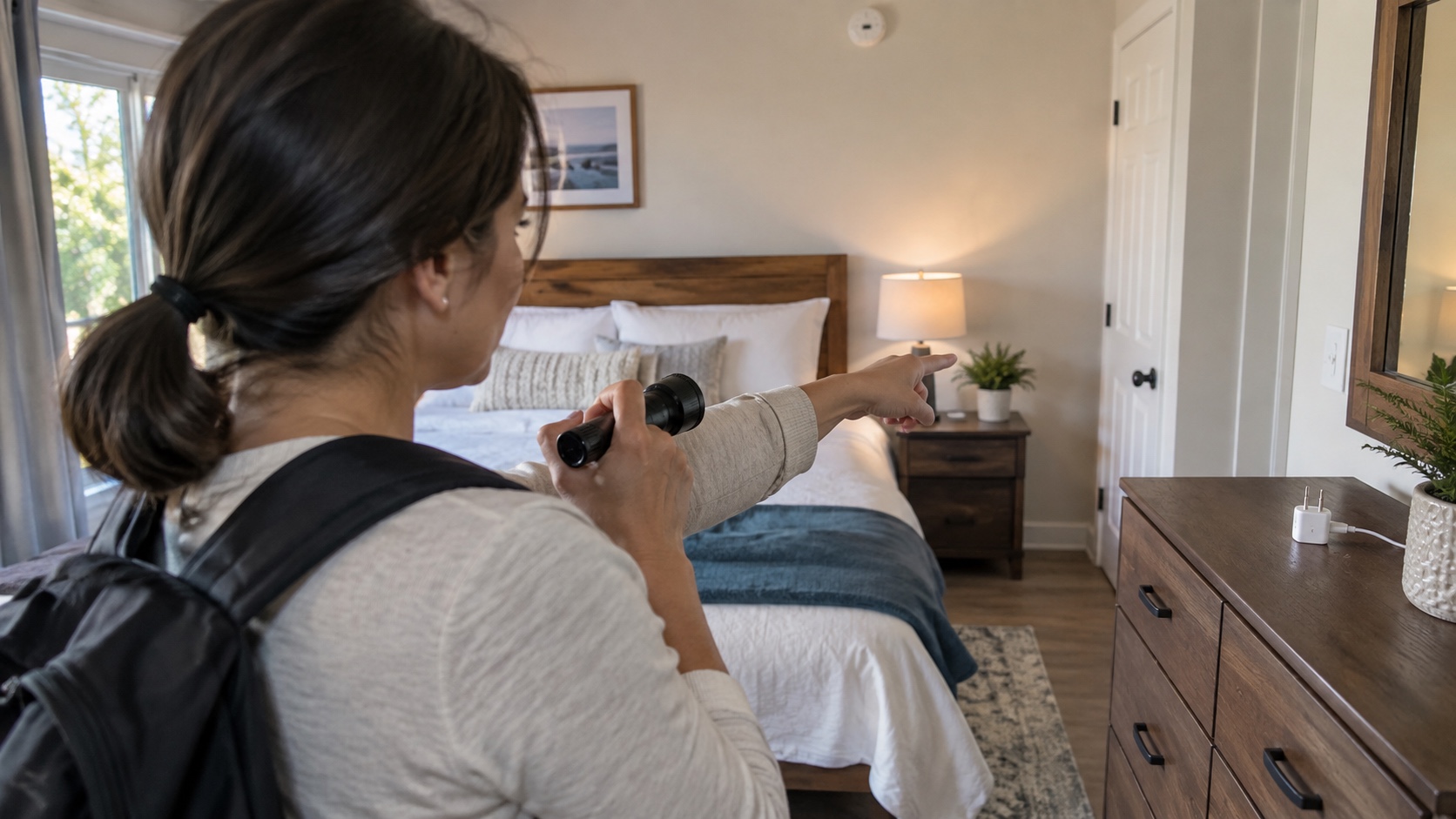
Best first step: stand in the room's most private areas and ask which objects have a clear line of sight. Check smoke alarms, clocks, chargers, power strips, speakers, picture frames, air vents, and other electronics that face the bed or bathroom. Look for an unexpected pinhole, a second lens-like opening, a device that does not match the rest of the room, or a cable that goes nowhere obvious.
Use ordinary judgment before assuming the worst. A motion sensor, television receiver, thermostat, sprinkler, or noise monitor can look unfamiliar without containing a camera. Do not open a smoke alarm, outlet, or other building equipment: you could damage safety hardware or expose yourself to electrical risk. A visual anomaly is a reason to look more closely, not proof of recording.
This method ranks first because every camera needs a useful view. It can still miss a lens only a millimeter or two wide, a fact highlighted by researchers behind the LAPD hidden-camera detection project. Work slowly, change your viewing angle, and give extra attention to objects positioned at face or body height.
2. Review the Listing and Platform Camera Disclosures
Compare the room with the property description, house rules, and safety-device section. Save screenshots of the listing as it appeared during your stay. A disclosed exterior doorbell camera may be permitted; an unexplained device pointed into a sleeping area is a different matter.
For homes, Airbnb says indoor security cameras are prohibited globally, even when switched off, under rules that took effect April 30, 2024. Outdoor cameras must be disclosed and cannot monitor places with a greater expectation of privacy. Hotel listings are a stated exception for cameras in common spaces such as lobbies and hallways, not guest rooms.
Vrbo likewise says cameras and audio recorders cannot be used inside a property in its surveillance-device policy. Platform rules are not the same as local law, and a policy does not prevent a bad actor from breaking it. It does, however, tell you what to document and where to report a violation.
3. Use a Flashlight to Look for Lens Reflections
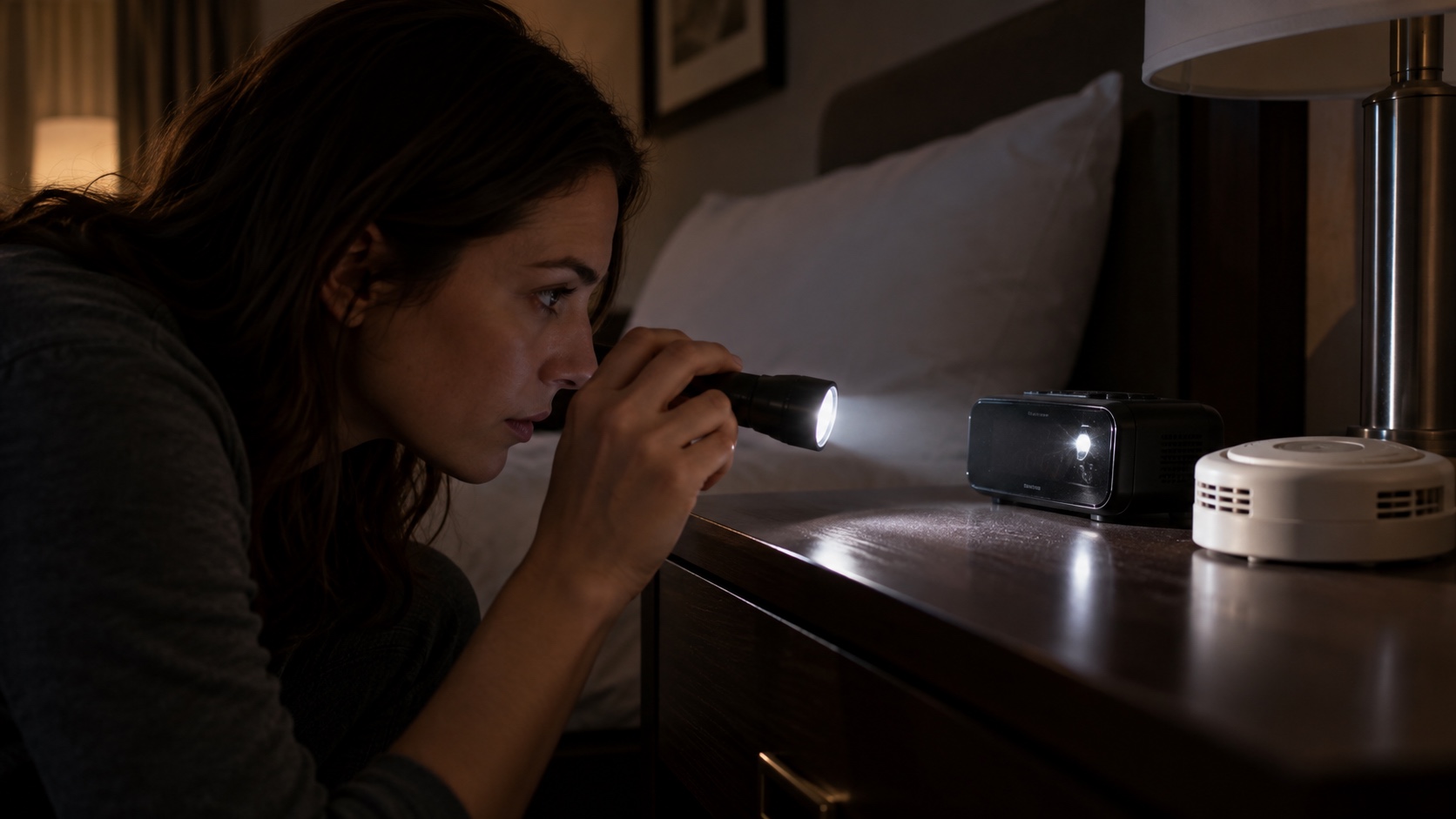
Dim the room, place a small flashlight close to your eye line, and sweep it slowly across the suspicious objects from step one. Glass and a camera lens can return a sharp point of light. Move a few inches left, right, up, and down; a genuine optical reflection changes with the angle and deserves a closer look.
The limitation matters. Polished screws, glossy plastic, clock faces, and status LEDs can all produce a bright false positive. Conversely, a lens behind tinted material or aimed away from you may not flash back. KAIST's LAPD research notes that lens retro-reflection is visible only within a limited angle, so a quick wave of a flashlight is not a complete scan.
If a glint persists, do not pry the object apart. Photograph the object in context, note where it points, and move to the reporting step. The goal is to identify a credible concern without destroying evidence or hotel equipment.
4. Test for Infrared Light With Your Phone Camera
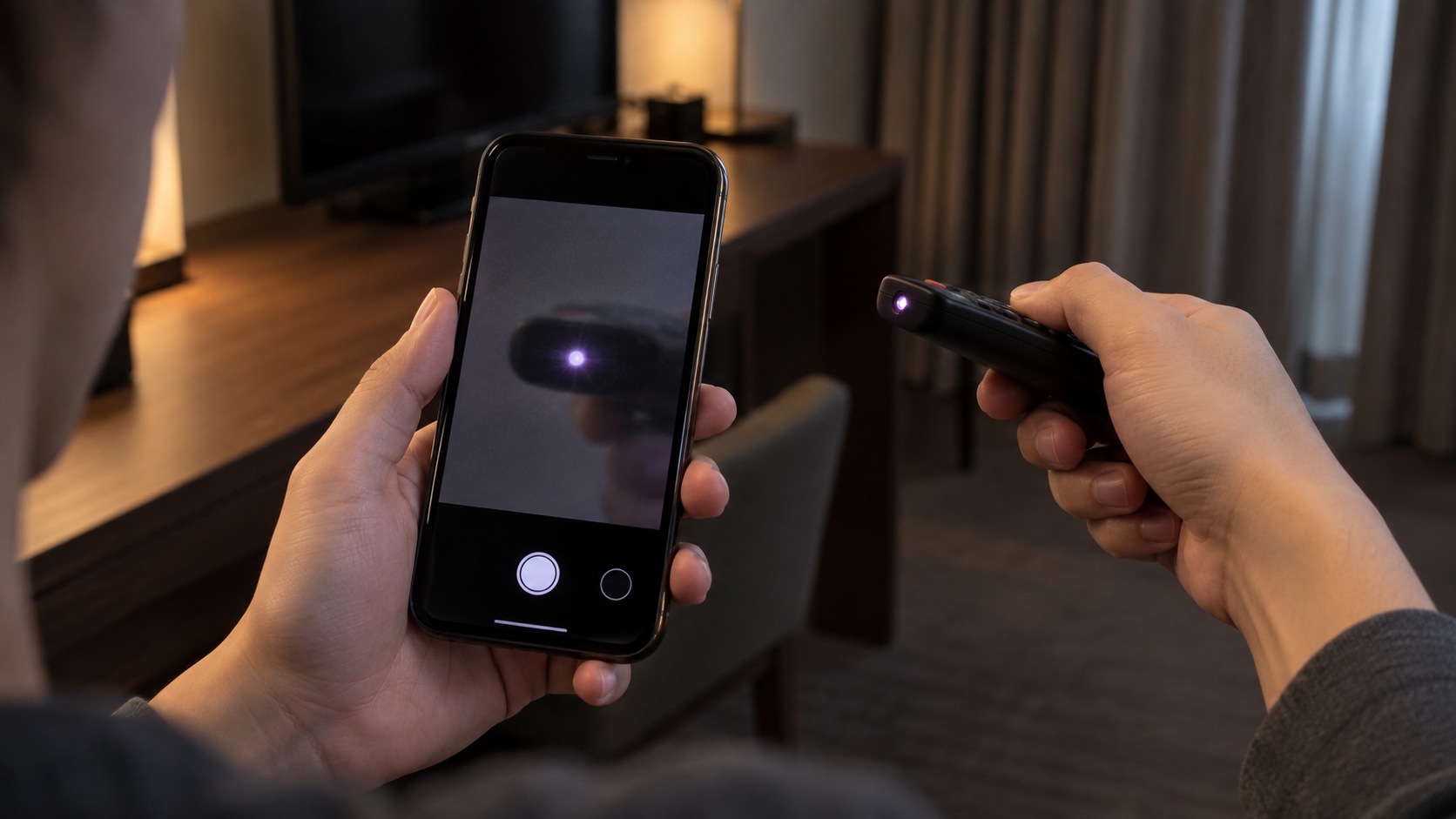
Some night-vision cameras use near-infrared LEDs that your eyes cannot see. A phone camera may render that light as a white, purple, or pink dot. Test each phone lens first: in a dim room, point a television remote at the camera and press a button. If the emitter appears on screen, that particular lens can see at least some infrared light.
Then darken the room and scan slowly, especially around devices with a view of the bed. Check both the main and front-facing cameras because their infrared filters can differ. A steady cluster of unexplained points deserves inspection, but reflections and ordinary sensors can still mislead you.
This check misses cameras without active infrared illumination, cameras whose LEDs are disabled, and devices that record only in visible light. It also fails when the phone blocks the relevant wavelengths. Treat the result as one clue, not a pass-or-fail test for the whole hotel room.
5. Scan the Local Network Only if You Are Authorized to Use It
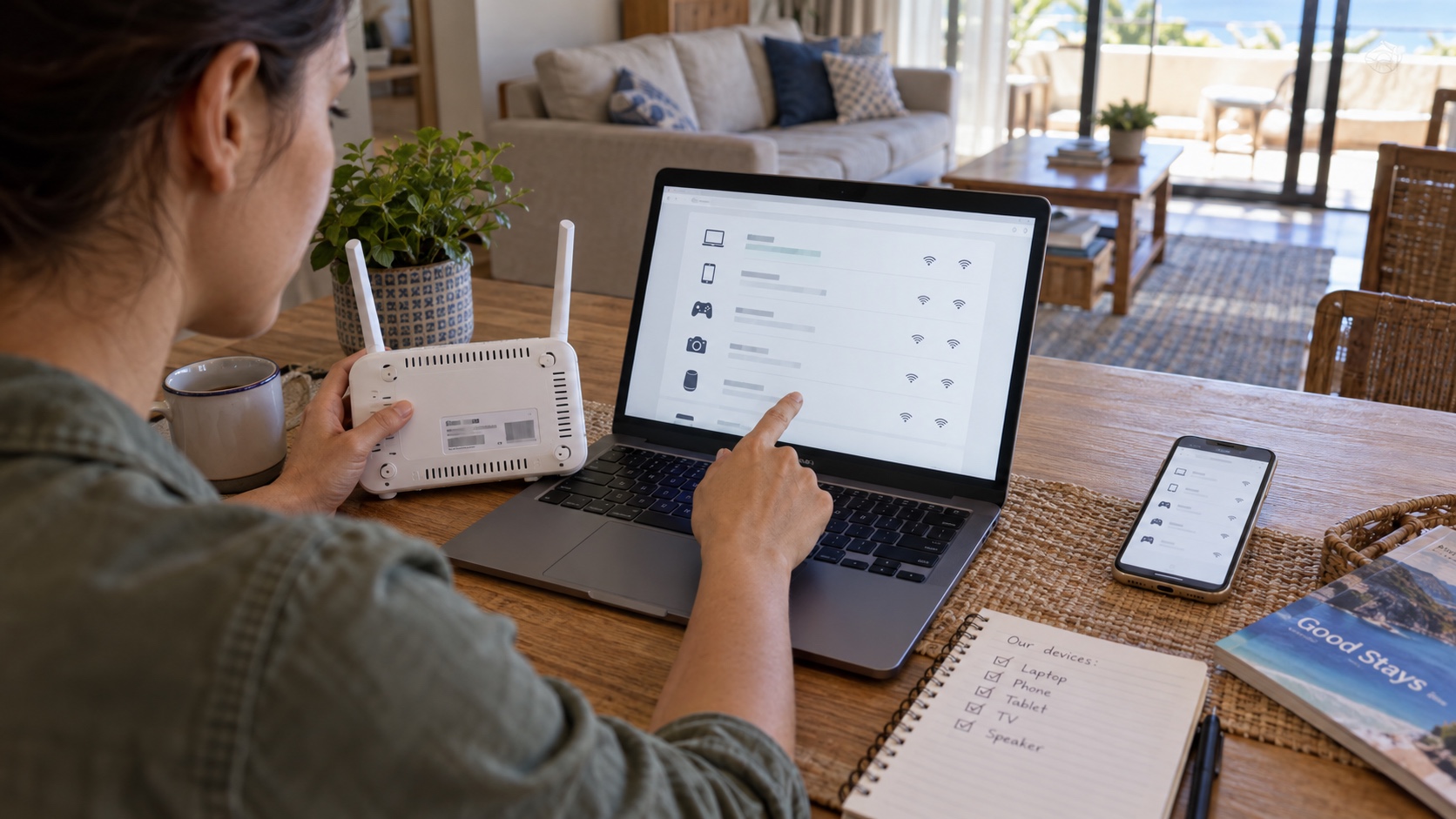
If the host or hotel has given you legitimate access to a local Wi-Fi network, a reputable network-inventory app can list devices visible on that network. Compare recognizable phones, televisions, speakers, and routers with anything unfamiliar. A manufacturer name associated with cameras or a device labeled as an IP camera is a reason to ask questions.
Do not probe ports, guess passwords, access video feeds, or attempt to join a private management network. Seeing a device on Wi-Fi does not authorize you to interact with it. Shared hotel networks may also contain equipment from other rooms, so a device list rarely proves location or ownership.
Network scanning has a major blind spot: a camera can use local storage, a separate network, cellular service, or no radio at all. Research on detector apps summarized by USENIX shows how many products make broad claims using network, infrared, magnetic, or radio checks. The label “detector” is not a guarantee that an app has independently validated accuracy.
6. Use an RF Detector With Realistic Expectations
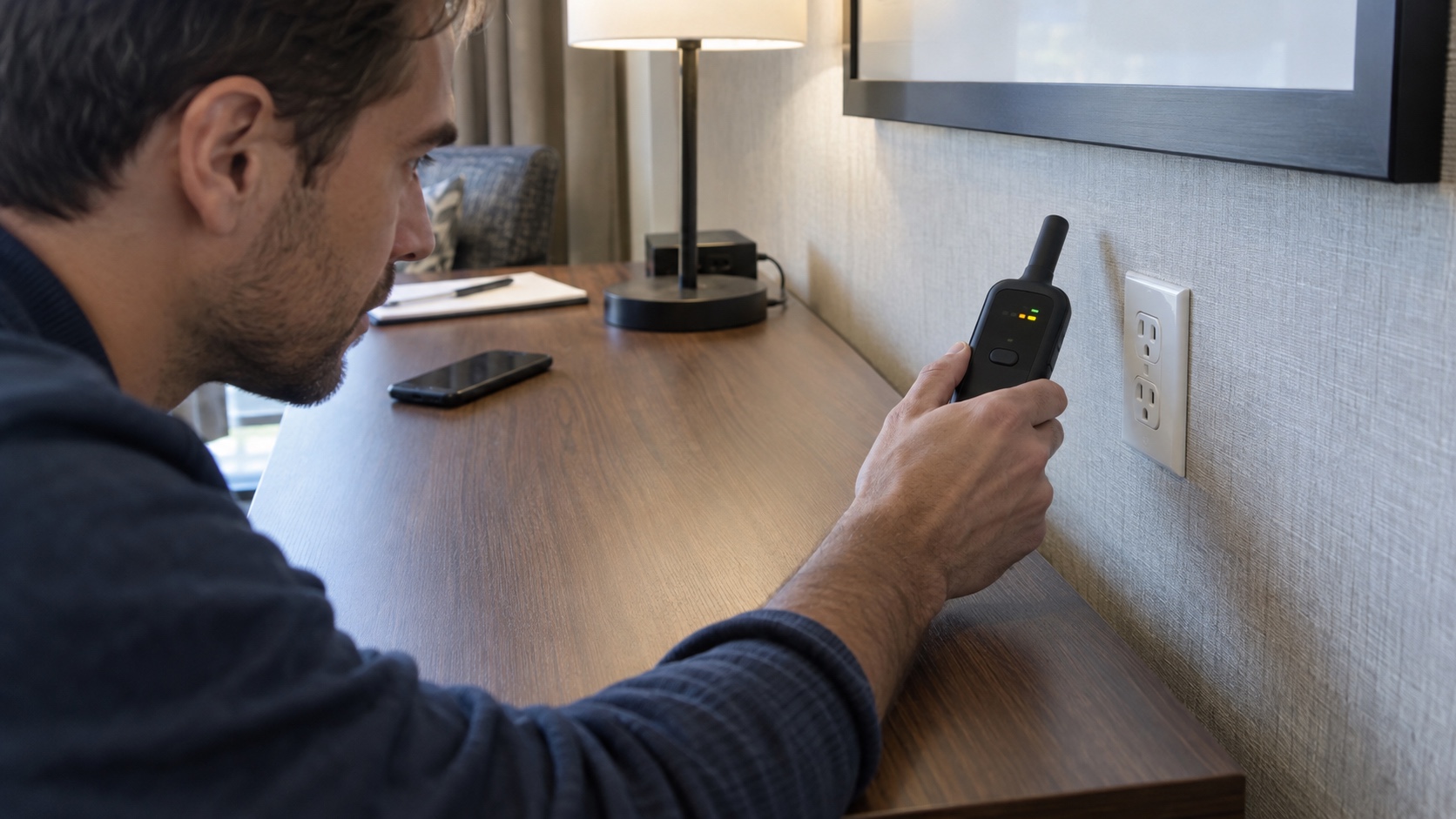
A radio-frequency detector can react to a device that is actively transmitting. Before a sweep, turn off or move away your own phone, smartwatch, earbuds, hotspot, and other known wireless gear. Learn the detector's sensitivity controls in a familiar place, then make slow passes near suspicious objects rather than racing around the room.
An alert tells you that radio energy is present. It does not tell you whether the source is a camera, router, Bluetooth speaker, neighboring access point, or legitimate building system. Dense hotels are especially noisy radio environments, so repeat the sweep at lower sensitivity and compare how the signal changes with distance.
RF detectors cannot find an offline camera or one saving to local storage, and an idle wireless camera may transmit too little to notice. Use this method to narrow an inspection, not to declare the room safe.
7. Treat Indicator Lights as Clues, Not Proof
Switch off the room lights and let your eyes adjust. Look for an unexplained glow or blink in an object that faces a private area. Then turn the lights back on and identify the object before drawing a conclusion. A status light may belong to a television, smoke alarm, charging adapter, thermostat, router, or motion sensor.
The old article treated blinking lights as common evidence of hidden cameras. That is too confident. Many cameras are designed to operate without a visible indicator, while many harmless devices blink constantly. The useful question is not “Did I see a red light?” but “What device produced it, where is it aimed, and does it match the room or listing?”
Do not cover or disconnect a smoke alarm or other safety device. If an unexplained light remains suspicious, photograph the object from a safe distance and ask hotel management or platform support to identify it in writing.
8. Check Mirrors Without Relying on the Fingernail Myth
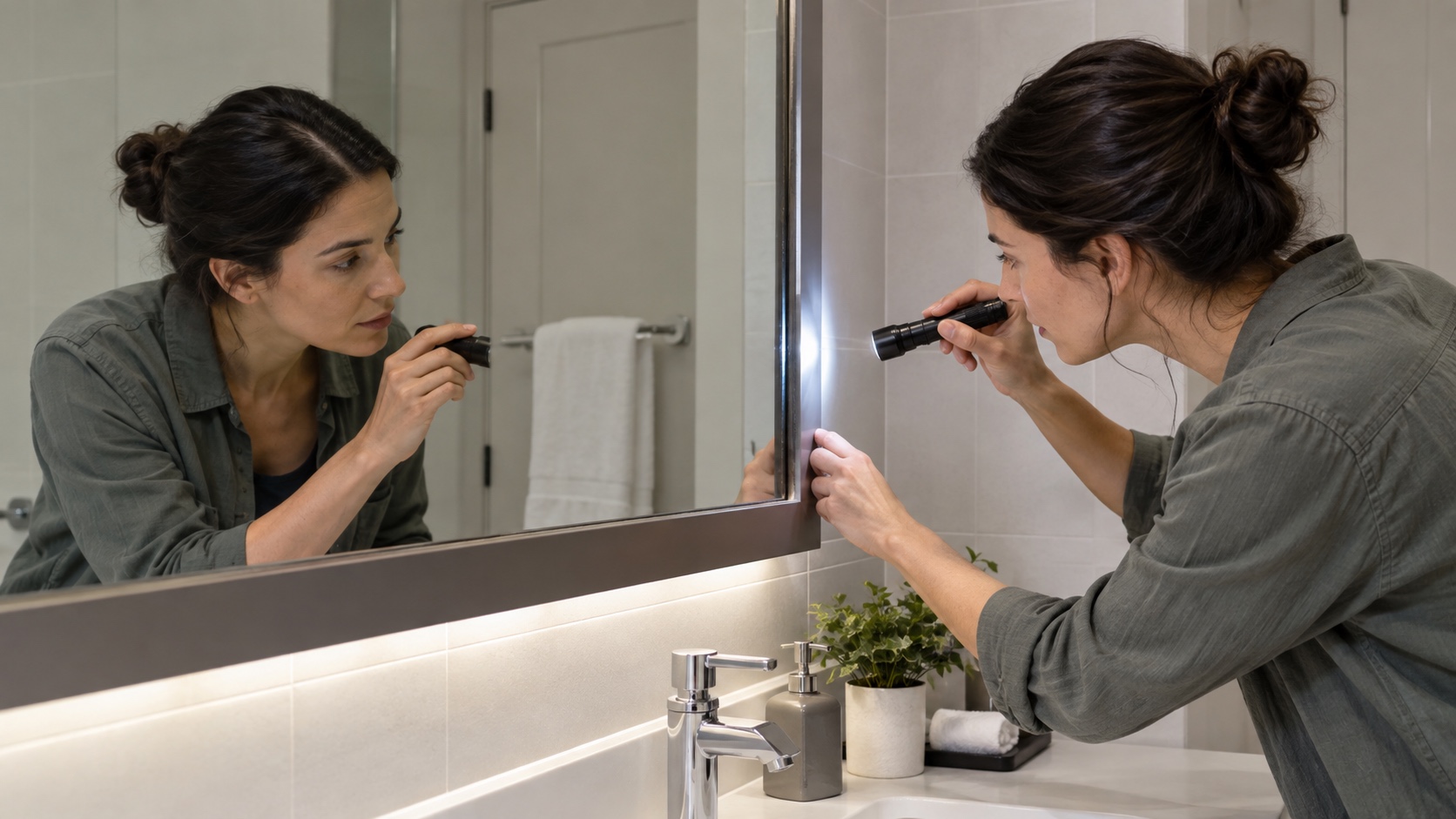
The viral fingernail test does not prove that a mirror is safe or that someone is watching from behind it. A visible gap usually means the reflective coating sits behind the glass, while no gap can simply mean the mirror uses a front-surface coating. Optical-glass manufacturer Abrisa explains that both first- and second-surface mirrors are normal engineering designs.
Instead, inspect the whole installation. Is the mirror mounted like the other fixtures? Are there unusual seams, openings, wires, or a dark space behind an edge? Shine a light along the frame and look from several angles without removing the mirror. A wall-mounted mirror with no suspicious opening is not made more dangerous by a fingertip touching its reflection.
If the mounting itself appears altered or the mirror looks into an accessible space, step away and report the concern. Do not pull a heavy mirror from the wall or try to enter a service void.
9. Document, Leave, and Report a Suspected Camera
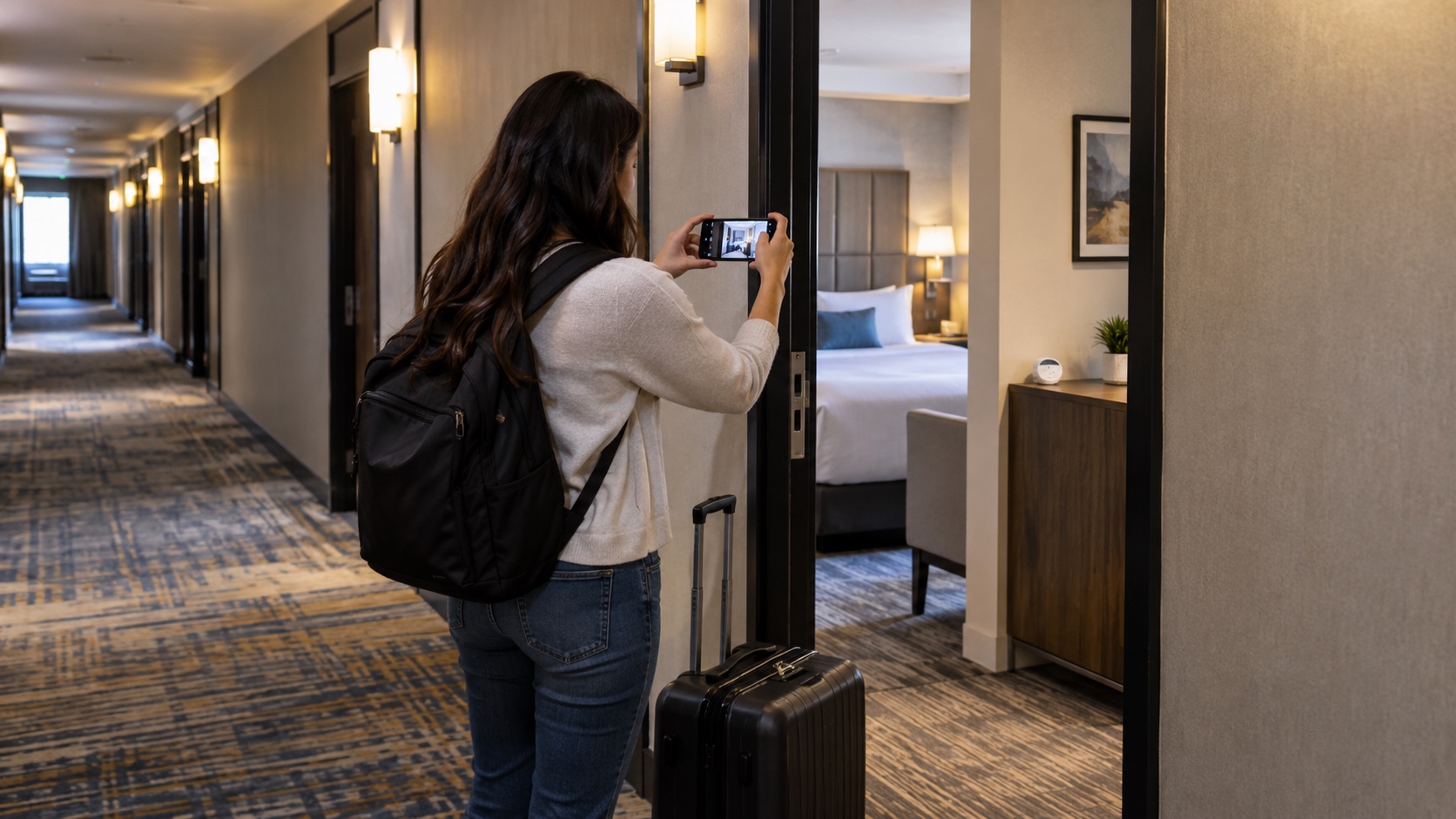
If you find what appears to be a camera in a private space, prioritize safety. Leave the room if you feel at risk. From a safe position, record the date, room or listing number, screenshots of disclosures, wide photos showing the object's location and sightline, and a close photo only if you can take it without touching the device.
Do not dismantle, unplug, reset, or take the object with you. The University of California, Santa Barbara Police Department's guidance on cameras in private places recommends getting to a safe place, photographing the device if it is safe to do so, and filing a police report. Local laws vary, so contact local law enforcement rather than trying to make a legal determination yourself.
Report the issue to hotel management and the booking platform, keep communications in writing, and ask for different accommodations. For a second, more general room-safety checklist, see our earlier guide to checking a hotel room for a hidden camera; this updated ranking should be your source for the technical limits of each method.
Sources and Fact-Check Notes
Reviewed September 21, 2026. Platform policy was checked against Airbnb's current camera rules and Vrbo's surveillance-device policy. Technical limits were checked against KAIST's LAPD research page, the USENIX review of covert-device detectors, and Abrisa's explanation of first- versus second-surface mirrors. Reporting steps follow UCSB Police guidance. These methods reduce uncertainty; they do not certify that a hotel room or vacation rental contains no recording device.