
Best microSD Cards for GoPro HERO10 Black: 5 Reliable Picks

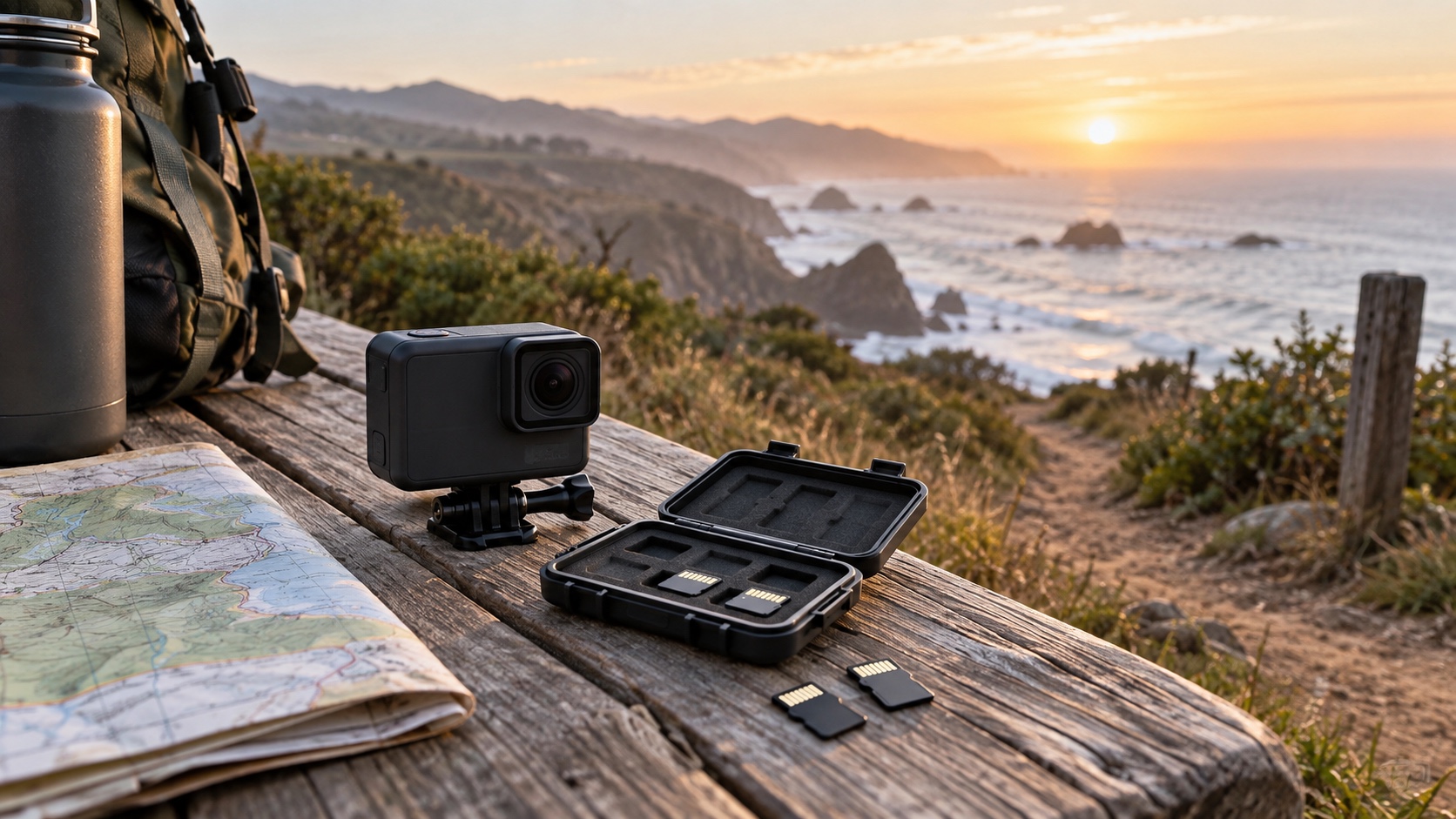
The SanDisk Extreme is our best overall microSD card for the GoPro HERO10 Black because it meets the camera’s V30/U3 requirement, appears in GoPro’s recommended family of cards, comes in useful capacities through the camera’s 512GB limit, and is widely supported by current manufacturer documentation. Samsung PRO Plus, Lexar Professional 1066x Silver, SanDisk Extreme PRO, and the correct V30 versions of Samsung EVO Plus or EVO Select are also strong choices.
This is an editorial ranking, not a laboratory endurance test. We scored each family on five visible criteria: documented HERO10 compatibility, V30/U3 recording class, capacity choices within GoPro’s limit, offload speed with a compatible reader, and manufacturer-backed durability information. Product generations change, so match the exact model and symbols on the card—not just a familiar color or family name. Specifications and official guidance were checked September 21, 2026.
What matters: speed, capacity, and durability
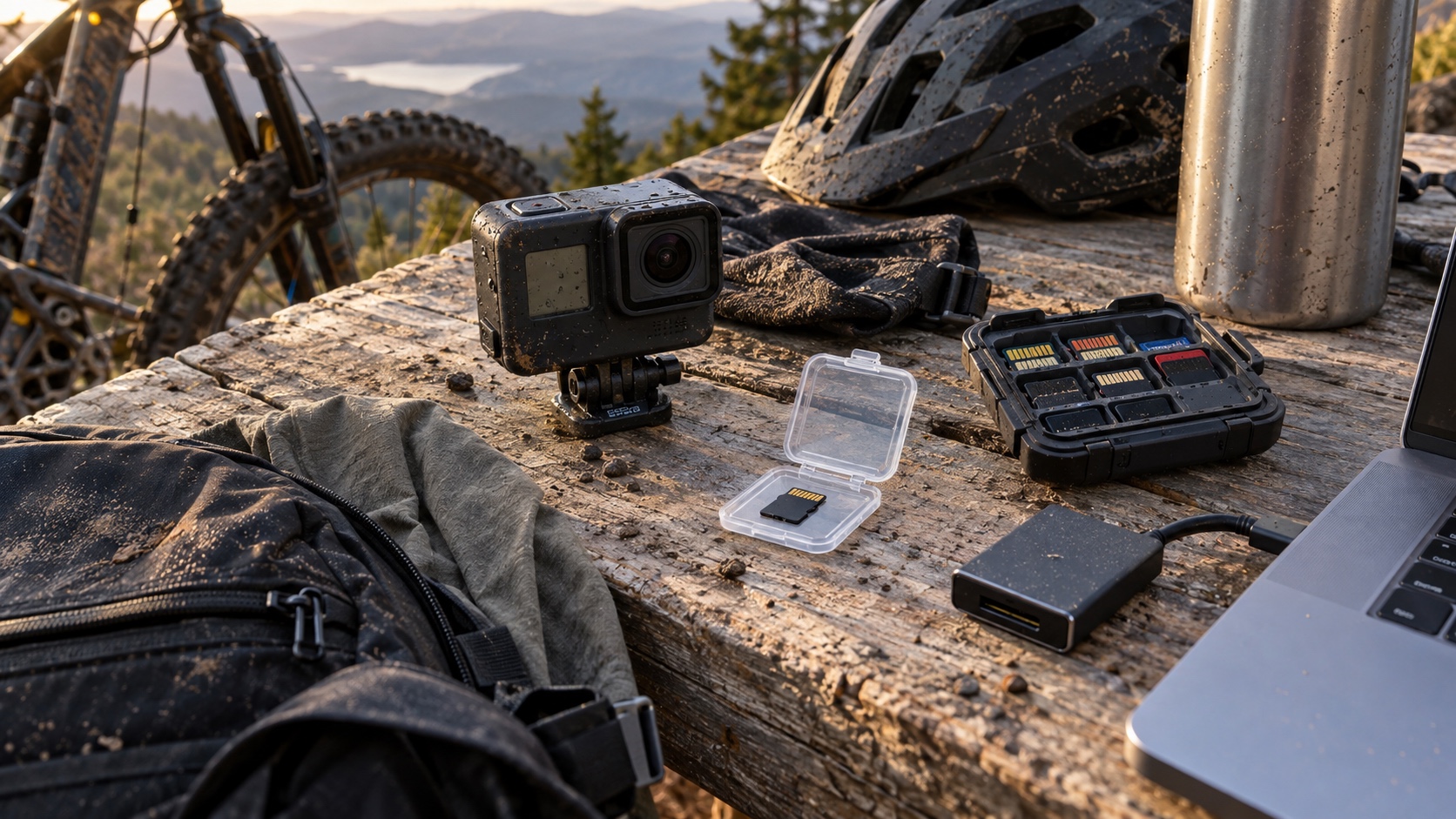
Start with sustained write speed. The HERO10 Black manual calls for V30, UHS Speed Class 3 (usually printed as U3), or higher. The SD Association’s speed-class guide explains that these classes represent minimum sequential performance under the standard’s test conditions; V30 and U3 each correspond to 30 MB/s. That is the useful recording promise. A package’s much larger “up to” read number mainly describes the best-case transfer speed to another device, and often requires a particular reader.
Choose capacity around your backup routine. GoPro documents support up to 512GB for HERO10 Black. A 128GB or 256GB card is easier to replace and limits the amount of footage tied to one physical card; a 512GB card avoids swaps during a long shoot. A card advertised at 1TB may belong to the same product family, but it exceeds the capacity documented in the HERO10 manual, so it is not one of our recommendations here.
Treat durability claims as limits, not insurance. Manufacturers publish water, temperature, shock, and X-ray test claims for specific card generations, but the camera, card door, contacts, and files still need care. Power the camera off before removing a card, handle it with clean dry hands, protect loose cards in a case, copy important footage, and format the card in the camera after the files are safely backed up. GoPro also warns that cards can degrade over time.
What type of SD card does GoPro HERO10 use?
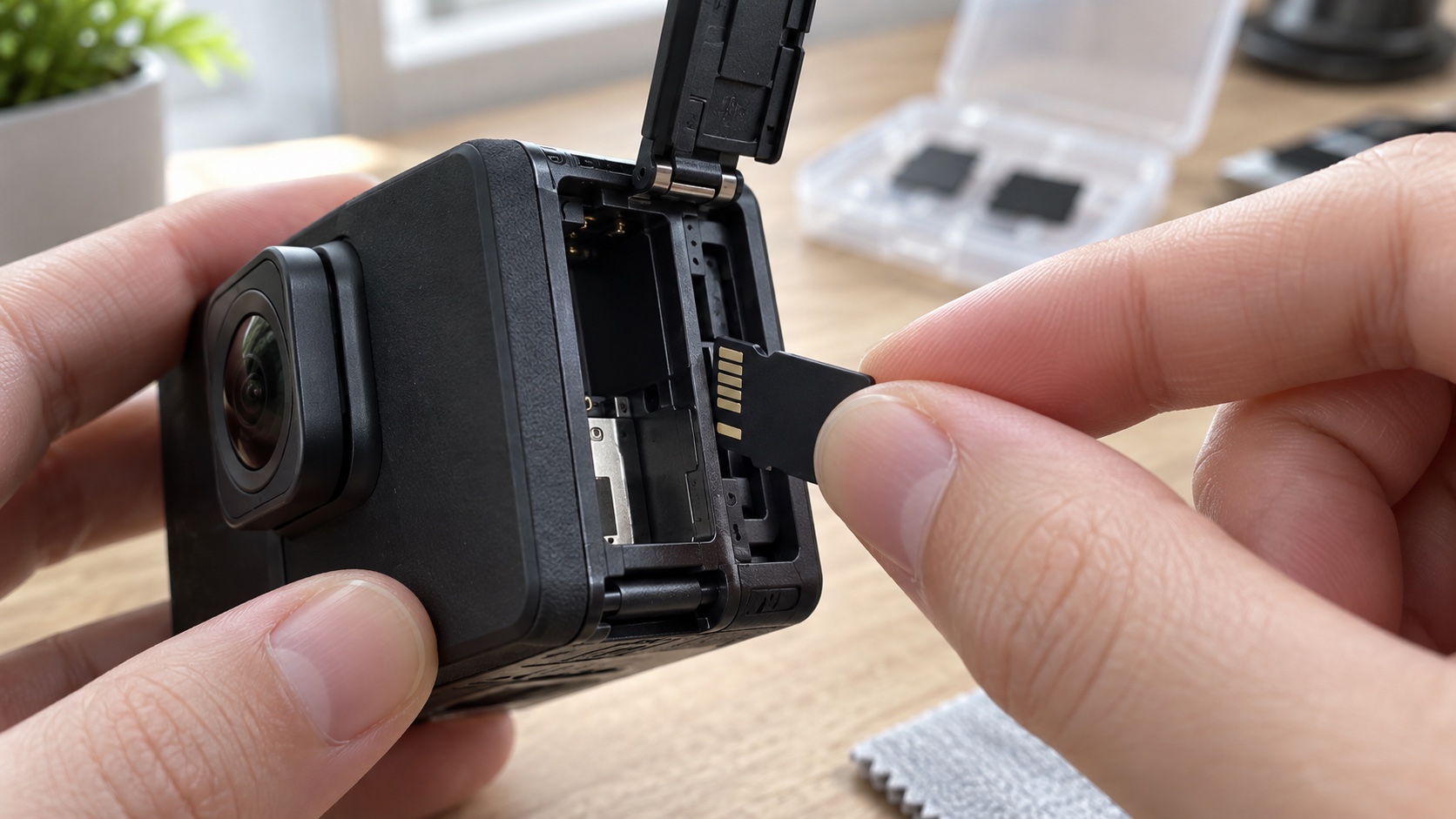
HERO10 Black accepts microSD, microSDHC, and microSDXC cards. In practical shopping terms, 64GB through 512GB options will usually be microSDXC. Look for V30 or U3 on the exact card. “UHS-I” identifies the bus interface; it is not, by itself, a sustained-speed guarantee. Likewise, Class 10 alone is not the requirement stated in the HERO10 manual.
The A2 mark is frequently printed next to V30. A2 is an Application Performance Class intended for random reads and writes when a compatible device runs apps from a card. The camera does not run phone apps from the card, so A2 is a bonus specification rather than the reason to buy. “SD 6.0” describes a version of the broader SD specification, not a standalone proof that an unverified card will record correctly in a HERO10.
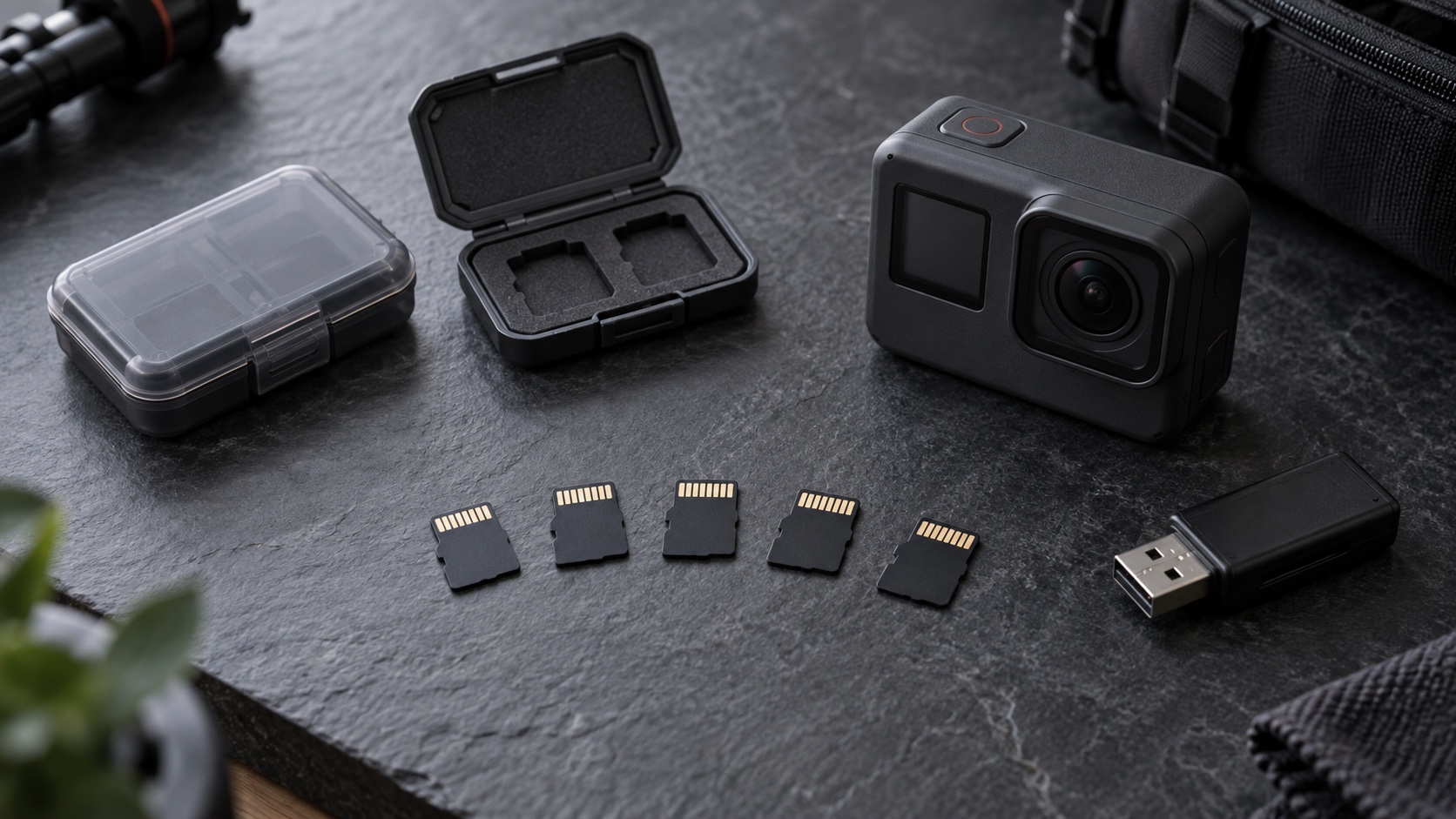
Top 5 microSD cards for GoPro HERO10 Black
| Rank | Card family | Best for | Important caveat |
|---|---|---|---|
| 1 | SanDisk Extreme | Best overall balance | Maximum transfer claims require compatible SanDisk hardware |
| 2 | Samsung PRO Plus | Fast offloads and clear current specs | Do not exceed HERO10’s documented 512GB limit |
| 3 | Lexar Professional 1066x Silver | Action-camera compatibility | Peak speeds vary by capacity and host |
| 4 | SanDisk Extreme PRO | Frequent transfers with the right reader | Little in-camera benefit over any reliable V30 card |
| 5 | Samsung EVO Plus or EVO Select V30 | Value-focused buyers | Older or lower-capacity versions can carry different ratings |
1. SanDisk Extreme — best overall
SanDisk Extreme earns first place because it clears every requirement without charging the ranking for specifications the camera cannot use. Western Digital’s current Extreme microSD data sheet lists C10, U3, V30, and A2 for the 128GB through 512GB capacities relevant here, with capacity-dependent read and write ceilings. Those peak values are manufacturer tests, not guaranteed HERO10 recording speeds.
Pros: clear V30/U3 labeling, capacities that line up with GoPro’s manual, published environmental protections, and a mainstream support trail. Cons: the fastest advertised read rate needs a compatible SanDisk Professional reader, and counterfeit cards are a reason to favor an authorized retailer. Best for most owners who want the least complicated answer.
2. Samsung PRO Plus — best for a fast offload workflow
Samsung’s current PRO Plus specification lists U3, V30, A2, and Class 10, with 128GB, 256GB, and 512GB capacities inside HERO10’s documented range. Samsung positions it for action cameras and publishes controlled-condition read and write ceilings along with temperature, water, X-ray, magnetic, and wear information.
Pros: straightforward current documentation and a strong reader-assisted transfer ceiling. Cons: the headline speed is not what the HERO10 writes in-camera, and newer 1TB variants still exceed the 512GB capacity in GoPro’s manual. Best for creators who routinely move large shoots through a compatible reader.
3. Lexar Professional 1066x Silver — best compatibility cross-check
Lexar lists the Professional 1066x Silver as U3, V30, and A2, with up to 160 MB/s read and capacity-dependent write performance. More importantly for this guide, Lexar’s compatibility table marks the 1066x family as recommended for HERO10 Black/Bones, while its product page describes testing for action cameras and 4K capture.
Pros: explicit action-camera positioning, useful capacities, and a direct compatibility record. Cons: “1066x” is a transfer-performance name, not a substitute for checking V30/U3 on the actual card, and peak results depend on the reader and capacity. Best for buyers who value a second manufacturer compatibility check.
4. SanDisk Extreme PRO — best when transfer time matters most
Extreme PRO meets C10, U3, and V30 in the supported capacities. Its manufacturer data sheet advertises a higher reader-assisted transfer ceiling than standard Extreme for some versions. That can help when copying a nearly full card to a computer, but it does not make HERO10 footage sharper or raise the camera’s 100 Mbps maximum video bit rate.
Pros: V30/U3 compliance and potentially quicker offloads with the specified reader. Cons: the premium is difficult to justify if files are transferred through the camera or a slower reader. Best for a workflow where card-to-computer transfer time is a real bottleneck.
5. Samsung EVO Plus or EVO Select V30 — best value-minded option
Samsung’s EVO naming spans several generations, so this recommendation is deliberately conditional: choose an exact card marked V30 or U3 in a capacity the HERO10 supports. Samsung’s published specifications show why the model check matters; ratings can differ by generation and capacity even when “EVO Plus” remains on the package.
Pros: an economical way to meet the camera’s sustained-speed requirement when the exact card is verified. Cons: a generic marketplace title can hide an older V10 or differently rated version. Best for careful buyers who check the model number, capacity, and printed speed symbols instead of buying by family name alone.
Pros, cons, and the choice that actually changes your workflow

All five picks can satisfy HERO10’s recording requirement in the right version. The real split is workflow. Choose standard SanDisk Extreme for a safe general recommendation, Samsung PRO Plus or SanDisk Extreme PRO when frequent reader-based transfers justify more headroom, Lexar 1066x Silver when documented cross-compatibility is the priority, and a verified V30 EVO model when value matters most.
No card makes footage immune to loss. Carrying two 128GB or 256GB cards can isolate shoots and create a spare, while one 512GB card reduces handling. Whichever plan you use, buy from a traceable seller, test the card before an important day, keep firmware current, and make a second copy after shooting. Our guide to durable digital skills explains the broader source-checking and backup habits behind that advice; travelers handling cameras in shared spaces may also find the limitations in our hidden-camera guide useful.
Is 128GB enough for GoPro HERO10?
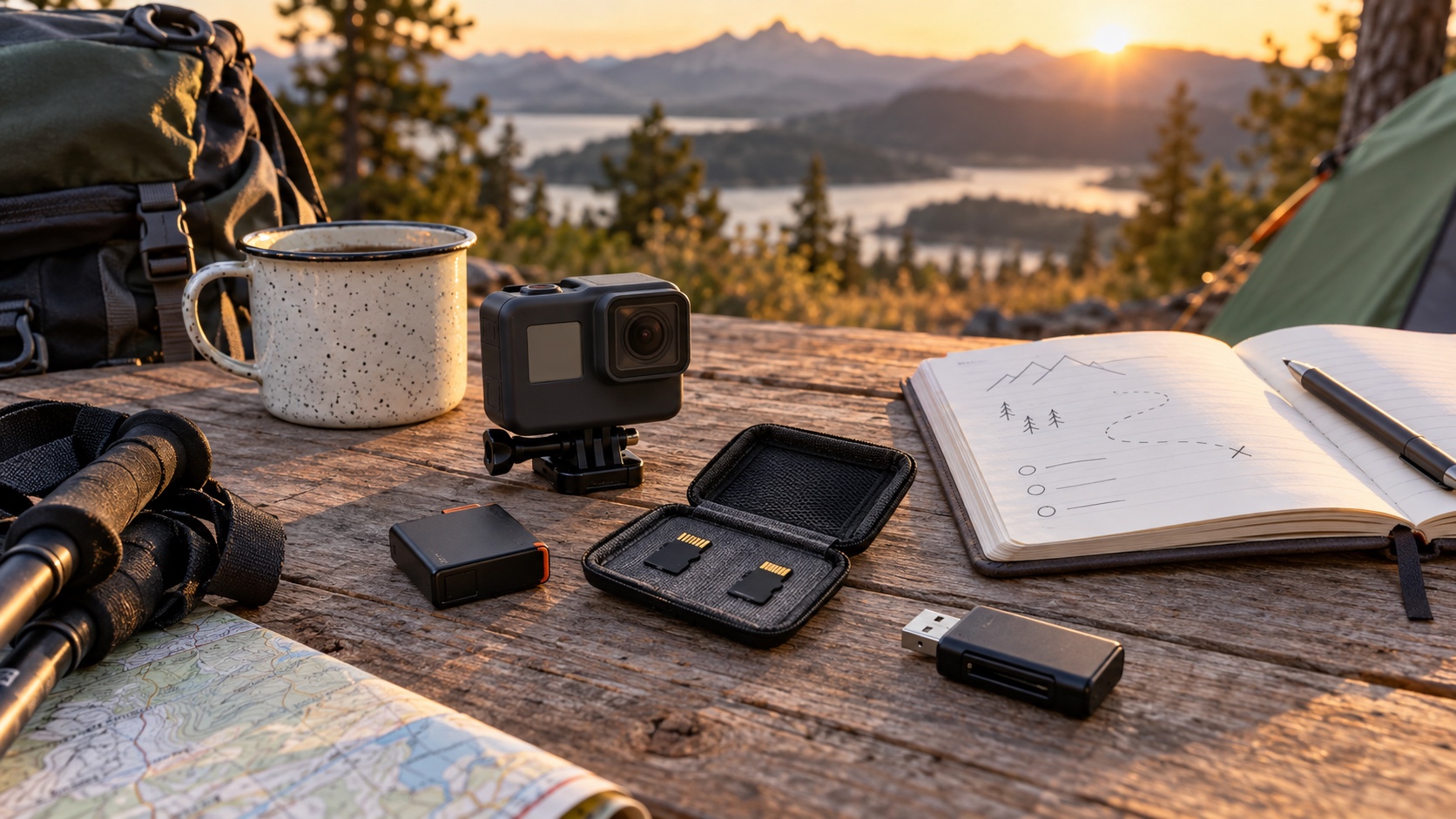
For many day trips, 128GB is enough. HERO10 Black’s official product specifications list a maximum video bit rate of 100 Mbps. Dividing 128 billion bytes by 100 million bits per second gives a theoretical ceiling of about 10,240 seconds, or 2 hours 50 minutes. Real usable time is lower because the labeled capacity is not all available to video, file-system overhead takes space, and recording modes do not all produce the same average bit rate.
That makes the article’s old upper estimate too generous. A lower-bitrate mode may run longer, while 5.3K, high frame rates, repeated clips, and photos change the practical total. Check the remaining-time estimate in the camera after formatting and do not plan a once-only event around a theoretical maximum. If the day cannot be repeated, use a fresh tested card, bring a spare, and offload when practical.
Bottom line
Buy the exact, genuine V30/U3 version of a recommended card in a capacity no larger than 512GB. SanDisk Extreme is the simplest all-around choice; Samsung PRO Plus and Lexar 1066x Silver are credible alternatives, while Extreme PRO mainly earns its keep in a fast transfer workflow. The logo on the package matters less than the model, speed symbols, seller, and backup routine you can verify.